• Global CNC market projected to reach $128B by 2028 • New EU trade regulations for precision tooling components • Aerospace deman
NYSE: CNC +1.2%LME: STEEL -0.4%

How CNC Programming errors lead to scrap and rework
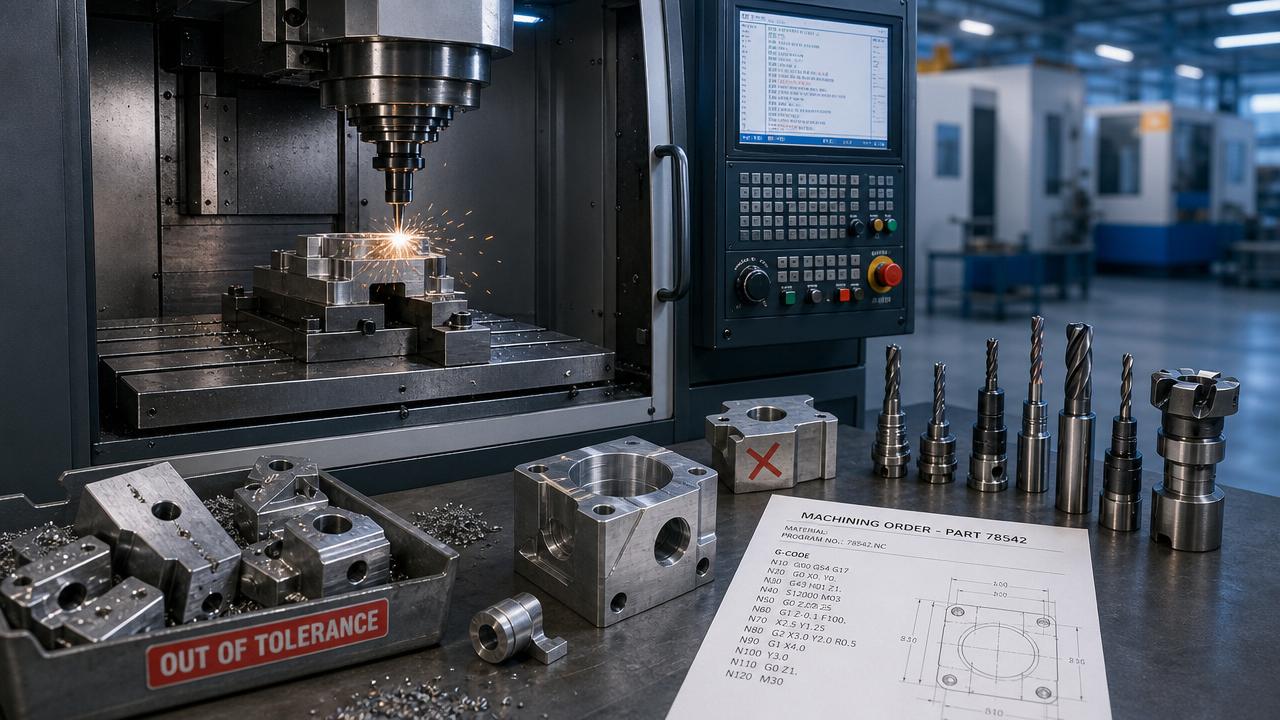
CNC Programming errors can turn high-value materials, machine time, and skilled labor into scrap within minutes. A wrong offset, missed tool call, or unsafe path often causes dimensional failure, surface defects, collisions, and production delays.
In modern manufacturing, CNC Programming supports precision machining across automotive, aerospace, energy, electronics, and general engineering. When programming quality drops, part consistency, delivery reliability, and shop efficiency usually drop with it.
This guide explains how CNC Programming mistakes create scrap and rework, where risks appear, how to detect warning signs, and what practical controls reduce waste in daily machining operations.
What types of CNC Programming errors create scrap most often?
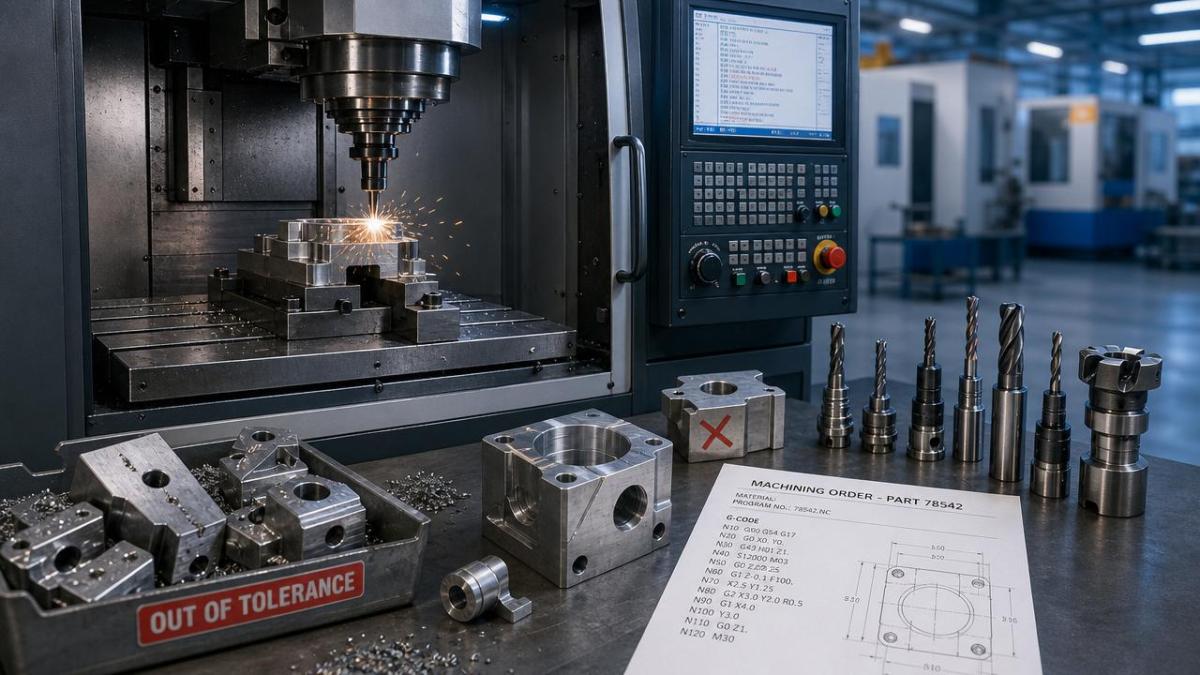
The most common CNC Programming errors are not always dramatic crashes. Many begin as small logic mistakes that slowly shift dimensions, weaken finishes, or create hidden process instability.
Frequent error categories include:
- Incorrect work offsets such as G54 to G59 selection errors
- Wrong tool length or diameter compensation values
- Feed and speed settings unsuitable for material or geometry
- Improper cutter path sequencing or entry and exit moves
- Missing subprogram calls or incorrect loop logic
- Post-processor output mismatches for specific machine controls
- Unverified manual edits to G-code at the machine
A tool path may look correct in CAM, yet still fail on the machine. Offset management, tool library accuracy, and controller-specific syntax all affect final execution.
In high-mix production, one reused CNC Programming template can also create trouble. A proven program for aluminum may damage steel parts if feed, coolant, and step-over values remain unchanged.
How do CNC Programming mistakes lead to rework instead of immediate scrap?
Not every CNC Programming error destroys a part instantly. Many errors produce parts that seem acceptable first, but later fail inspection, assembly, or field performance requirements.
For example, a finish pass allowance may be too small. The part may still fit basic dimensions, but poor surface integrity can force polishing, blending, or additional machining.
A wrong tool compensation value can create holes slightly oversized. The component may avoid total scrap, yet still require bushing, sleeve repair, or secondary corrective operations.
Rework often appears in these situations:
- Dimensional deviations remain within salvageable ranges
- Extra stock is available for another pass
- Minor burrs, taper, chatter, or flatness issues can be corrected
- Critical features are unaffected, allowing selective repair
Even when parts are recoverable, the cost can be severe. Rework consumes spindle time, measurement time, tooling life, labor attention, and delivery capacity.
That is why CNC Programming quality matters beyond simple pass or fail results. Good programming protects throughput, scheduling stability, and customer confidence.
Which machining scenarios are most vulnerable to CNC Programming errors?
Some operations are naturally less forgiving. As geometry grows more complex, the chance of CNC Programming mistakes rises, especially when setup variables change between machines or shifts.
High-risk scenarios include multi-axis machining, deep cavity milling, tight-tolerance boring, thin-wall parts, and unattended cycle runs. In these cases, small code errors multiply quickly.
Multi-axis and complex contour work
Five-axis and mill-turn systems demand exact tool orientation logic. A wrong rotary position or post setting can gouge surfaces or leave excess stock in hard-to-reach areas.
Tight tolerance batch production
In repeat orders, a small CNC Programming error may affect hundreds of parts before detection. Scrap volume rises because the mistake repeats consistently and quietly.
Prototype-to-production transfer
Programs proven on one machine may fail elsewhere. Differences in controller behavior, tool holders, probing routines, and fixture layout can create unexpected collisions or tolerance drift.
Manual code edits at the control
Quick changes made during urgent jobs are common. However, undocumented edits often break version control, confuse later setups, and reintroduce old CNC Programming errors.
How can users tell whether the root cause is CNC Programming or setup error?
This distinction is important because the corrective action differs. Setup errors happen at the machine. CNC Programming errors are embedded in the program logic, tool strategy, or output code.
Useful diagnostic questions include:
- Does the same defect repeat on every run?
- Did the issue start after a program revision?
- Do simulation and machine behavior match?
- Are measured offsets and tool values correct?
- Does the problem follow the program to another machine?
If the defect appears identically across multiple setups, CNC Programming is a likely source. If the issue changes with operator, fixture, or offset entry, setup is more suspect.
Dry runs, graphics verification, and back-plot comparison also help. When actual machine motion differs from intended process logic, the program deserves closer review.
What controls reduce scrap and rework from CNC Programming?
Reducing waste requires both technical and procedural discipline. Strong CNC Programming control does not depend on one action. It depends on a reliable chain of verification.
1. Standardize programming methods
Use approved templates, naming rules, tool libraries, and post-processors. Standardization lowers variation and makes CNC Programming easier to review and troubleshoot.
2. Validate before cutting material
Simulation, digital verification, and machine graphics should be routine. The goal is to catch logic errors before spindle time and material are committed.
3. Control version changes tightly
Every edit should be traceable. Program revision notes help prevent old CNC Programming files from being loaded after setup changes or engineering updates.
4. Verify first articles carefully
Initial part inspection should confirm dimensions, orientation, finish, and feature relationships. Early feedback prevents one bad program from affecting an entire batch.
5. Link programming with shop-floor learning
When recurring rework appears, update templates and machining strategies. A closed feedback loop improves CNC Programming quality over time and reduces repeated mistakes.
Why does better CNC Programming matter for cost, lead time, and production stability?
CNC Programming quality directly affects production economics. Scrap wastes raw material. Rework extends cycle time. Unplanned downtime reduces machine utilization and blocks urgent jobs.
In precision manufacturing, one programming issue can also disrupt downstream assembly, inspection scheduling, and shipping performance. The hidden cost often exceeds the visible cost of one failed part.
Better CNC Programming supports predictable machining, stable tolerances, smoother changeovers, and stronger digital manufacturing workflows. That matters across standalone machines, automated cells, and smart factory systems.
The strongest improvement usually comes from combining software discipline, process documentation, and machine-side verification. That combination lowers scrap risk while protecting throughput and product quality.
If recurring defects, inconsistent dimensions, or unexplained rework appear, start by auditing CNC Programming logic, revision control, offsets, and verification steps. Small corrections early can prevent expensive waste later.
PREVIOUS ARTICLE
Recommended for You
![]() Delta NC5 CNC System Gains TÜV Safety Certification, Enters BMW Production ValidationMachine Tool Industry Editorial Team
Delta NC5 CNC System Gains TÜV Safety Certification, Enters BMW Production ValidationMachine Tool Industry Editorial Team![]() Vietnam's Draft AI Safety Rule for CNC Machines Requires Dual CertificationManufacturing Policy Research Center
Vietnam's Draft AI Safety Rule for CNC Machines Requires Dual CertificationManufacturing Policy Research Center![]() First CNC Machine Carbon Footprint Guide Released in ChinaManufacturing Policy Research Center
First CNC Machine Carbon Footprint Guide Released in ChinaManufacturing Policy Research Center![]() Brazil INMETRO Launches Spot Inspections on CNC LathesMachine Tool Industry Editorial Team
Brazil INMETRO Launches Spot Inspections on CNC LathesMachine Tool Industry Editorial Team![]() Japan METI Green Subsidy: Up to ¥4M for Chinese High-Efficiency CNC SystemsManufacturing Policy Research Center
Japan METI Green Subsidy: Up to ¥4M for Chinese High-Efficiency CNC SystemsManufacturing Policy Research Center![]() Red Sea Shipping Crisis Escalates: CNC Equipment Delays Hit 14.2 Days on Asia-Europe RoutesManufacturing Market Research Center
Red Sea Shipping Crisis Escalates: CNC Equipment Delays Hit 14.2 Days on Asia-Europe RoutesManufacturing Market Research Center


Aris Katos
Future of Carbide Coatings
15+ years in precision manufacturing systems. Specialized in high-speed milling and aerospace grade alloy processing.
▶
UL Tightens AI Failure Testing for CNC Systems Starting May 22, 2026CNC Machining Technology Center▶
How CNC Programming errors lead to scrap and reworkCNC Machining Technology Center▶
How CNC milling accuracy changes with material and setupCNC Machining Technology Center▶
Delta Launches NC5 CNC Series with RTCP & SIL2 CertificationCNC Machining Technology Center▶
What good CNC Programming changes on the shop floorCNC Machining Technology Center
Mastering 5-Axis Workholding Strategies
Join our technical panel on Nov 15th to learn about reducing vibrations in thin-wall components.

Providing you with integrated sanding solutions
Before-sales and after-sales services
Comprehensive technical support