• Global CNC market projected to reach $128B by 2028 • New EU trade regulations for precision tooling components • Aerospace deman
NYSE: CNC +1.2%LME: STEEL -0.4%

When CNC Milling Surface Finish Fails, Check Toolpath First
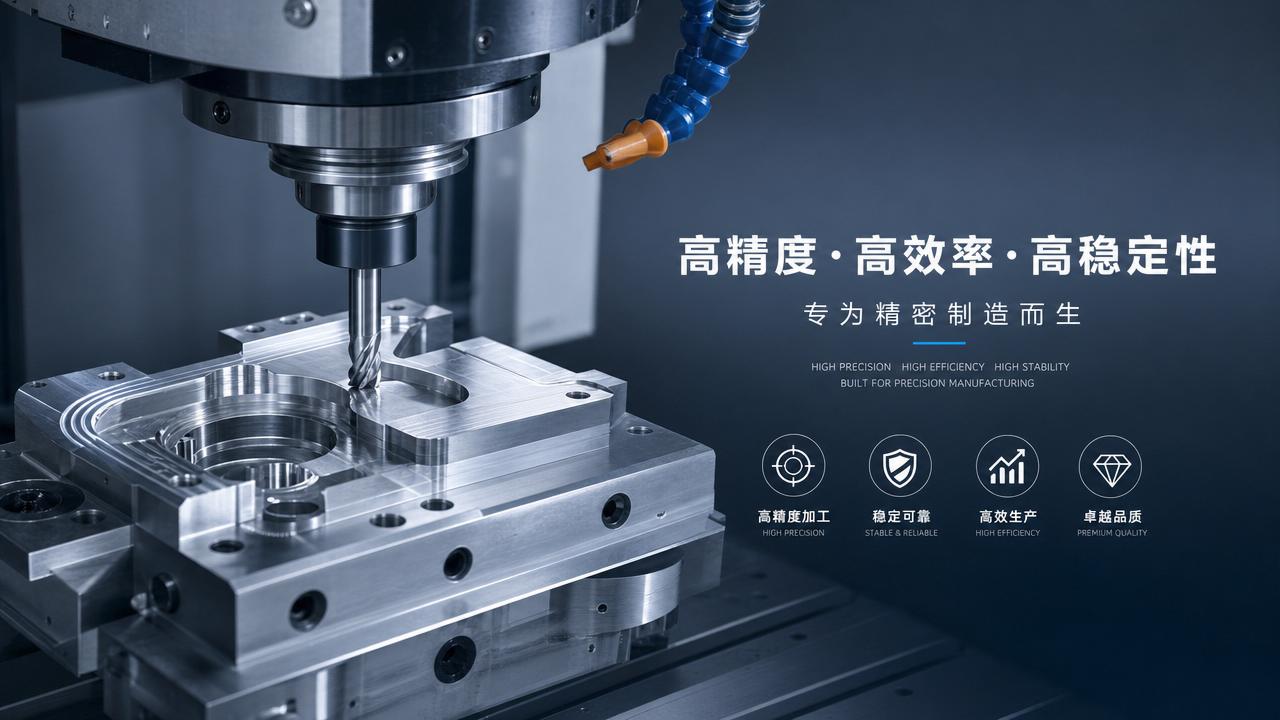
Why toolpath is the first place to check in CNC milling
Poor surface finish in CNC milling is not always a machine fault. Tool wear, spindle runout, and vibration matter, but programmed motion often creates the first visible clue.
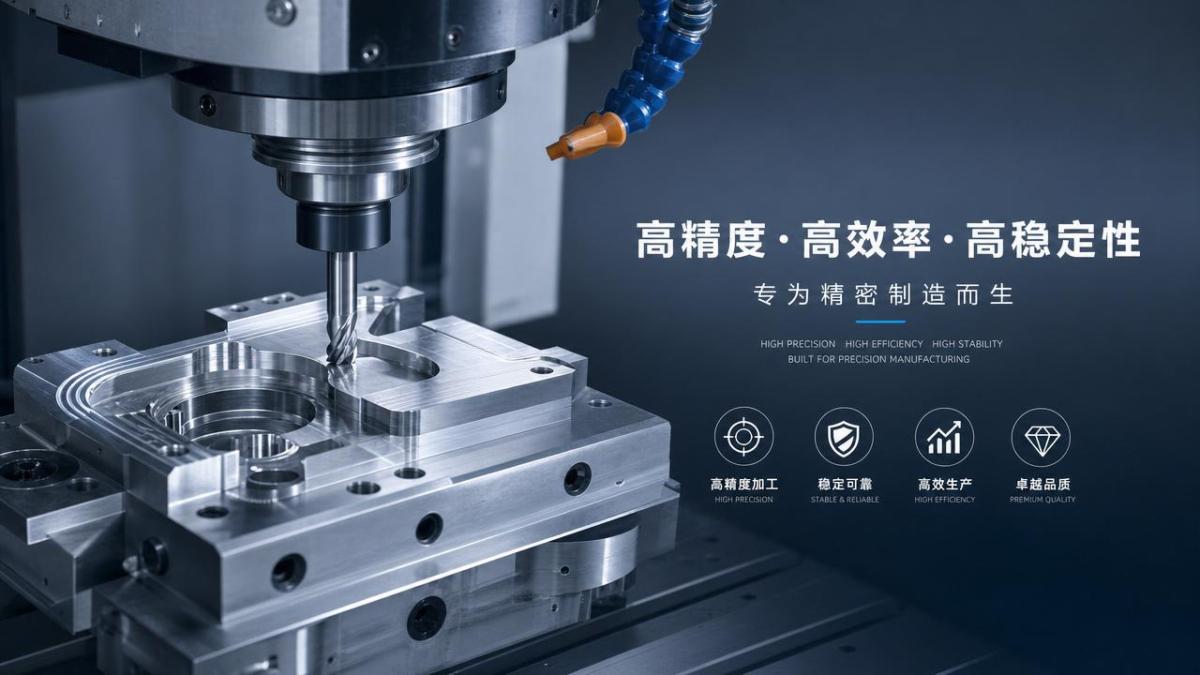
For after-sales maintenance work, toolpath review is usually faster than mechanical disassembly. A small change in step-over, lead-out, or cutter engagement can leave clear surface marks.
In modern manufacturing, CNC milling supports automotive, aerospace, electronics, energy, and general precision production. Surface quality directly affects fit, coating, sealing, fatigue life, and final inspection results.
When finish fails, checking toolpath first helps reduce downtime, avoid unnecessary part replacement, and restore stable machining quality with lower service cost.
Why a structured review matters before replacing hardware
A structured review prevents random troubleshooting. Many CNC milling finish defects come from interaction between CAM settings, machine dynamics, material behavior, and cutting tool geometry.
Without a clear sequence, teams may replace bearings, holders, or cutters while the real issue remains an aggressive linking move or mismatched finishing pass direction.
A checklist shortens diagnosis time. It also makes reports more consistent across service visits, production lines, and international machine installations.
Core checks for CNC milling surface finish problems
- Confirm whether roughing and finishing use separate toolpaths, because a shared path often leaves variable cutter load and unstable texture on critical surfaces.
- Check step-over value against required Ra or visual standard, since excessive step-over creates scallop marks that look like machine vibration.
- Review step-down and axial engagement, because deep finishing cuts can increase deflection and generate waviness on walls, pockets, and thin features.
- Inspect feedrate changes in corners and transitions, because sudden acceleration or deceleration often produces witness marks during CNC milling finishing passes.
- Verify climb or conventional milling direction, because the wrong choice for the material and setup can worsen burrs, edge tearing, and surface inconsistency.
- Examine lead-in and lead-out moves, since poor entry or exit placement can leave visible arcs, dwell marks, or cutter hesitation near finished boundaries.
- Check whether constant tool engagement strategies are active, because uneven radial load in CNC milling often causes chatter-like patterns and changing gloss.
- Look for retracts, short links, and sharp direction reversals, as these can trigger servo response issues and mark the surface between adjacent passes.
- Confirm stock allowance before finishing, because inconsistent remaining stock makes one section cut lightly and another section cut too heavily.
- Compare programmed tolerance with machine capability, since overly loose tolerance can polygonize curves while extremely tight tolerance may overwork control response.
- Review cutter compensation and postprocessor output, because compensation errors or segmented arc conversion can create repeating finish defects across many parts.
- Check spindle orientation, tool length, and holder clearance within the path, since near-collision avoidance moves may distort intended finishing motion.
How to match toolpath issues with visible surface patterns
The finish pattern often points directly to the path problem. Reading the mark correctly is faster than changing several variables at once.
- Parallel scallops usually indicate excessive step-over, incorrect ball nose spacing, or mismatch between required finish and selected tool diameter.
- Shiny and dull zones on one face often suggest inconsistent stock allowance, feed smoothing differences, or changing radial engagement along the path.
- Repeating corner marks commonly result from abrupt deceleration, poor arc filtering, or insufficient smoothing settings in CNC milling control parameters.
- Diagonal chatter-like streaks may come from linking moves and path direction changes, not only from spindle or bearing instability.
- Exit burrs or torn edges often appear when lead-out location, cutter direction, and material grain behavior are not considered together.
Scenario notes for different CNC milling applications
Flat sealing surfaces and precision faces
For flat faces, inspect pass overlap, cutter diameter selection, and final path direction. Even minor feed transitions can create visible bands that fail sealing or coating requirements.
Face milling paths should also be checked for center cutting behavior, tool entry position, and overlap near edges where witness marks often appear first.
Deep cavities and pocket finishing
Pocket walls often show finish defects from long tool overhang combined with poor radial engagement control. Review semi-finishing stock and wall-only finishing separation.
In CNC milling of deep features, short retracts and abrupt links can amplify vibration. Smoother transitions usually improve both finish and tool life.
3D contours and mold-like surfaces
Complex contours depend heavily on tolerance, path spacing, and machine smoothing. Surface waviness may come from point density or excessive tiny segments.
For ball nose CNC milling, verify cusp height targets. A visually acceptable path on screen may still leave unacceptable texture under reflected light.
Thin-wall parts and light structures
Thin walls are highly sensitive to path direction and stock distribution. One-sided finishing can push material away and create uneven surface texture.
Alternating passes, reduced step-down, and stable remaining stock often work better than simply lowering feedrate on flexible components.
Commonly missed details that create finish defects
Postprocessor output is often ignored. If arcs are broken into many small lines, the machine may leave tiny facets or hesitation marks during CNC milling.
Machine smoothing settings may not match the CAM intent. A correct path can still produce poor finish when control parameters limit contour blending.
Toolholder balance and tool extension still matter, but they should be reviewed after path behavior is confirmed, not before.
Material variation is another hidden factor. Hard spots, cast skin, or changing grain structure can exaggerate weak toolpath choices.
Coolant direction can affect chip evacuation and recutting. A sound CNC milling program may still mark the surface if chips remain in the cut.
Practical execution steps for faster diagnosis
- Capture the defect pattern with photos and note its direction relative to tool travel, spindle rotation, and part geometry.
- Separate roughing, semi-finishing, and finishing programs, then identify exactly which operation first creates the visible surface problem.
- Simulate the suspect CNC milling toolpath and inspect corners, links, step-over, stock allowance, and tolerance values.
- Run a controlled test by changing one variable only, such as step-over, lead-out, or finishing direction.
- Compare the test part with machine load data, spindle sound, and finish appearance before considering hardware replacement.
- Document the successful correction so future service cases can use the same baseline for similar materials and geometries.
FAQ about CNC milling surface finish and toolpath review
Can a new tool still produce poor finish?
Yes. In CNC milling, a new cutter cannot fix a poor finishing path, unstable engagement, or incorrect stock allowance.
Should feedrate always be reduced first?
No. Lower feed may hide symptoms, but it does not correct toolpath geometry, linking behavior, or tolerance problems.
What is the fastest path-related check?
Start with finishing pass direction, step-over, stock allowance, and lead-in or lead-out location. These frequently affect surface appearance first.
When should machine mechanics be checked next?
If the CNC milling path is verified and defects remain consistent across different programs, then inspect runout, backlash, bearings, and fixturing stability.
Conclusion and next action
When CNC milling surface finish fails, toolpath should be reviewed before major hardware changes. It is often the fastest route to a reliable answer.
Use a repeatable process: identify the mark, trace it to the exact operation, simulate the path, change one parameter, and verify the result.
In precision manufacturing, faster diagnosis supports uptime, quality consistency, and lower service cost. Start with the path, then move to mechanics only when the evidence requires it.
PREVIOUS ARTICLE
Recommended for You
 Zero-Point Clamping or Modular Fixtures? Choosing a Faster CNC Changeover SystemCNC Machining Technology Center
 How to Cut CNC Fixture Changeover Time Without Sacrificing Part AccuracyCNC Machining Technology Center
 When Does CNC Turning Pay Off? A Break-Even Guide by Annual Part VolumeMachine Tool Industry Editorial Team
 Machine Tool Standards by Country: What Importers Must Verify Before PurchaseManufacturing Policy Research Center
 CNC Lathe Quick Installation Guide: Alignment Checks Before First Production RunCNC Machining Technology Center
 How to Select a CNC Lathe for Small Parts Without Sacrificing Accuracy or Cycle TimeCNC Machining Technology Center

Aris Katos
Future of Carbide Coatings
15+ years in precision manufacturing systems. Specialized in high-speed milling and aerospace grade alloy processing.
▶
Which Metals Are Hardest to Machine With Standard Tools?CNC Machining Technology Center▶
How to Choose Cutting Tools for High-Speed Machining of Steel, Aluminum, and TitaniumCNC Machining Technology Center▶
How to Choose a CNC Tooling System for Titanium Machining by Tool Life and StabilityCNC Machining Technology Center▶
Cutting Tools Selection Guide: How Tool Material, Coating, and Geometry Affect PerformanceCNC Machining Technology Center▶
Cutting Tools for High Temperature Alloys: How to Reduce Tool Wear and Edge ChippingCNC Machining Technology Center
Mastering 5-Axis Workholding Strategies
Join our technical panel on Nov 15th to learn about reducing vibrations in thin-wall components.

Providing you with integrated sanding solutions
Before-sales and after-sales services
Comprehensive technical support