• Global CNC market projected to reach $128B by 2028 • New EU trade regulations for precision tooling components • Aerospace deman
NYSE: CNC +1.2%LME: STEEL -0.4%

CNC Programming errors that create repeat scrap patterns
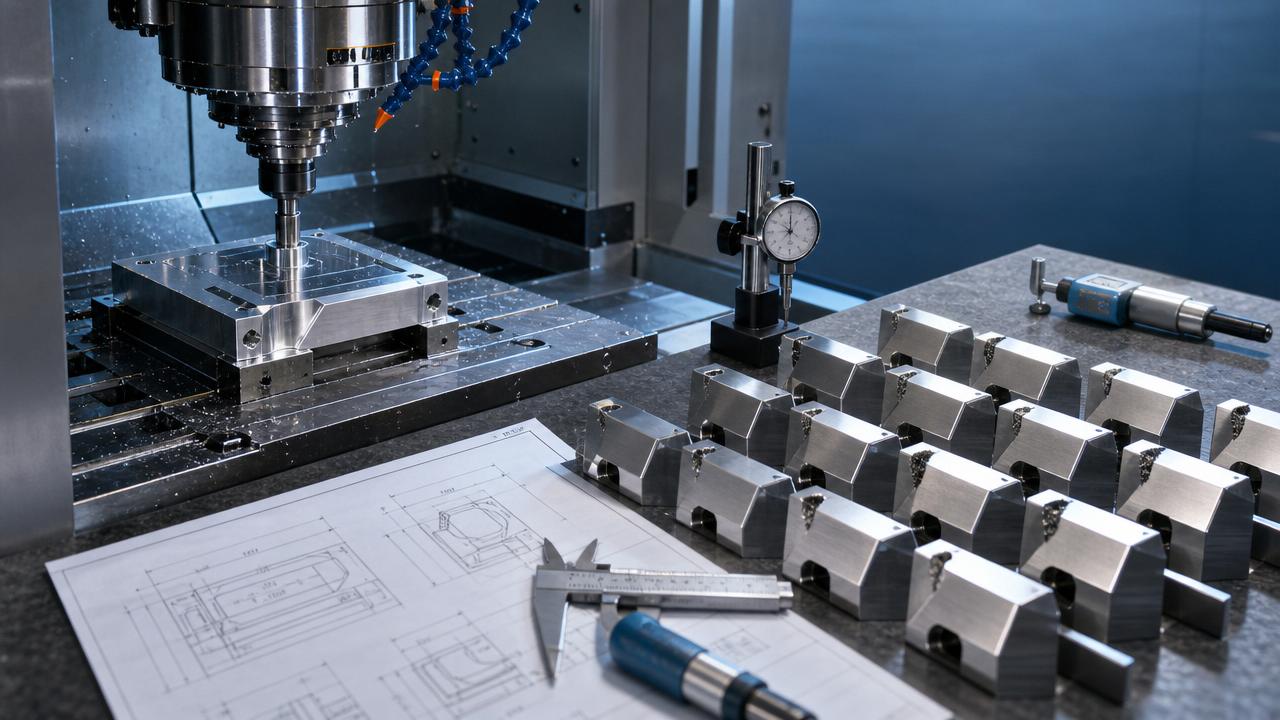
Repeat scrap patterns are rarely random—they often point to hidden CNC Programming mistakes that keep resurfacing across shifts, batches, or machine setups. For operators and shop-floor users, recognizing these error patterns early can reduce wasted material, prevent downtime, and improve part consistency. This article explores the common programming issues behind recurring scrap and how to spot them before they damage productivity.
Why repeat scrap patterns usually trace back to CNC Programming
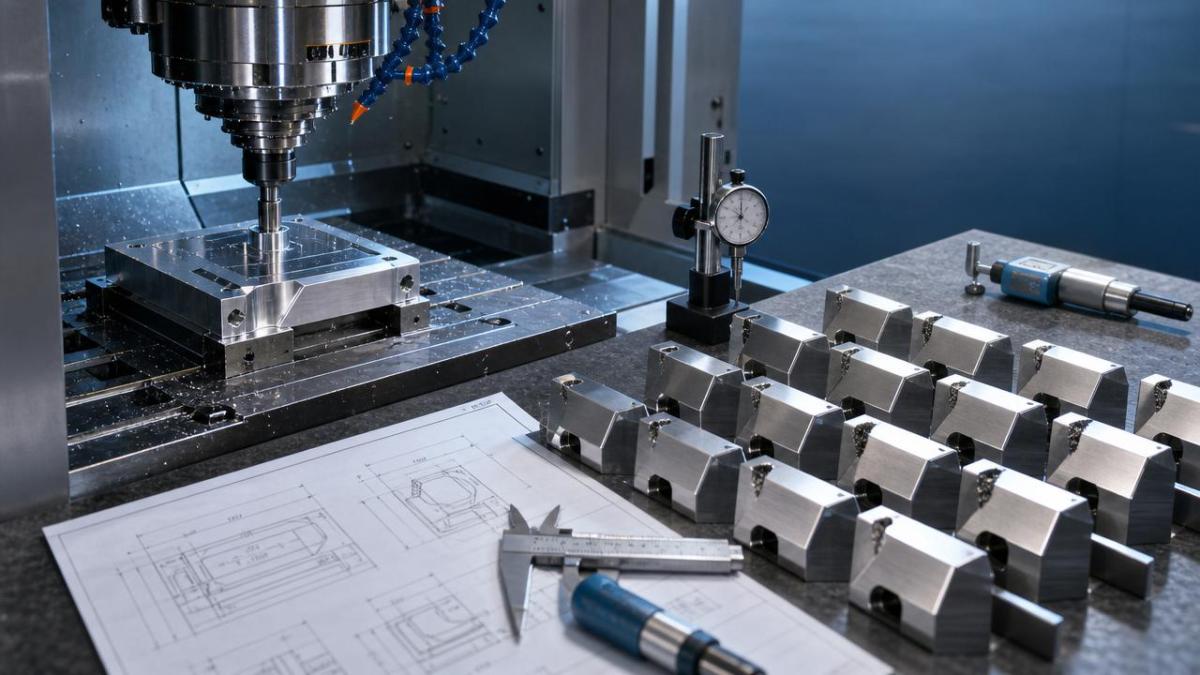
In modern machining, a repeated defect is one of the clearest signs that the problem is systematic rather than accidental. If the same corner is undersized, the same bore drifts after a tool change, or the same feature shows chatter marks across multiple parts, the root cause often sits in CNC Programming logic, offset handling, post-processing behavior, or setup-related assumptions embedded in the code.
For operators in automotive, aerospace, electronics, energy equipment, and general precision manufacturing, this matters because recurring scrap does not only consume raw material. It also ties up machine time, disrupts takt planning, creates inspection backlog, and raises the risk of bad parts moving downstream into assembly or delivery.
As CNC machine tools become more automated and digitally integrated, programming errors can repeat faster than ever. A faulty subprogram, a wrong work offset call, or a post output mismatch can affect dozens or hundreds of parts before anyone notices. That is why users and operators need a practical way to connect scrap patterns with probable programming causes.
- A defect that appears in the same axis direction often suggests a coordinate, compensation, or interpolation issue.
- A defect that begins after a tool replacement often points to tool length, radius compensation, or offset assignment problems.
- A defect that repeats by fixture station or pallet location may indicate incorrect work offset logic or macro variable handling.
- A defect that only appears on one machine with the same program may reveal postprocessor mismatch, parameter differences, or controller-specific interpretation.
Which CNC Programming errors create the most common repeat scrap patterns?
The fastest way to troubleshoot recurring scrap is to classify the pattern. Operators do not always need to rewrite the program, but they do need to recognize what type of programming fault is likely. The table below links visible defect behavior to common CNC Programming mistakes and the first check to perform on the shop floor.
These patterns are especially important in high-volume production, where a small CNC Programming mistake can spread quickly across batches. In flexible manufacturing lines, where pallet systems, robotics, and multi-station fixtures are common, offset and macro-related errors are often more damaging than simple feed or speed mistakes.
Offset selection errors
One of the most frequent causes of repeated scrap is the wrong work coordinate system. A program may be proven out on one setup using G54, then copied to another machine or fixture family where G55 or G56 is required. If the call remains unchanged, every part can be machined in the wrong location while the machine still appears to run normally.
Tool compensation mistakes
Compensation errors create predictable dimensional scrap. If cutter compensation is activated too late, canceled too early, or paired with an incorrect tool radius, part profiles can be consistently off. This is common when a shop uses similar tools with different diameters and the CNC Programming does not match the tool actually loaded.
Subprogram and macro logic faults
Macro-driven production is efficient, but it also introduces repeatable error conditions. A variable not reset between cycles, a loop count set incorrectly, or a conditional branch that skips a finish pass can create identical scrap on every second part, every pallet, or every tool life cycle. These are difficult to catch unless operators know when the pattern begins.
How operators can identify whether the problem is programming, setup, or tooling
Not every bad part comes from CNC Programming. Some defects come from worn tools, unstable fixturing, thermal growth, spindle issues, or inconsistent material. The practical challenge is separating one-time process variation from programming-driven repetition. A simple comparison framework helps operators avoid chasing the wrong cause.
Use the following checks when a repeat scrap pattern appears. The goal is not to assign blame; it is to shorten the time between first defect and verified root cause.
- Compare the defect location across at least three parts. If the deviation is nearly identical, suspect CNC Programming or offset logic before machine instability.
- Check whether the defect starts after a setup change, tool replacement, reposted file, or machine transfer. These transitions often expose hidden code assumptions.
- Run a dry cycle or graphics simulation at the exact operation where the defect occurs. Watch active offsets, compensation calls, and modal codes.
- Review the first-off inspection history. If the first part passed but later parts drifted, look more closely at tooling, heat, or clamping. If the first part was already wrong in the same way, programming becomes more likely.
The comparison table below is useful for shift leaders and operators who need a quick decision path before escalating to process engineering or CAM support.
This distinction matters in advanced manufacturing environments. As more shops adopt multi-axis machining systems, robot tending, and integrated quality control, even a small CNC Programming mismatch can ripple through several connected process steps before anyone stops the line.
High-risk scenarios where recurring scrap often starts
Some shop-floor moments are more dangerous than others. Operators should treat these as control points because they are where repeat scrap patterns often begin. In many cases, the machine itself is stable, but the program, offset data, or setup assumptions change faster than the verification process.
After program edits at the machine
Quick changes made to save a job can create long-term repeat errors. A feed override adjustment is temporary, but a hand-edited coordinate, missing decimal point, or deleted safe approach line can stay in the active file and affect every future run. If machine-side edits are necessary, they should be logged and rechecked against the master version.
When moving a job between machines
The same NC file does not always behave identically on different controls. Variations in look-ahead, arc interpretation, canned cycle format, and tool table conventions can create subtle but repeatable defects. Shops with international equipment fleets especially need strong CNC Programming validation when transferring jobs across controller brands or machine generations.
During fixture family changes or multi-part loading
Automotive and electronics production frequently rely on multiple nests, tombstones, or modular fixtures. If the program assumes one station order but the setup uses another, recurring scrap may affect only specific locations. This can look like random variation until the pattern is matched to fixture position.
- Treat every reposted file as a new verification event, even if the geometry seems unchanged.
- Lock down offset naming conventions between programming, setup, and operation teams.
- Use first-piece approval records that include active tool, H/D offset, work offset, and program revision.
A practical prevention checklist for CNC Programming-related scrap
Reducing repeat scrap does not always require new software or a major process overhaul. In many shops, the biggest gains come from standardizing how operators verify CNC Programming before and during production. The checklist below focuses on actions that are realistic for users running lathes, machining centers, and multi-axis systems in mixed production environments.
Before cycle start
- Confirm the NC program revision matches the traveler, setup sheet, and approved CAM output.
- Verify that tool numbers, length offsets, and diameter offsets align with the physical tools loaded in the magazine or turret.
- Check work offset assignments for each fixture station, pallet, or part family before running automatic mode.
- Review critical modal codes such as unit system, plane selection, cutter compensation state, and canned cycle cancel status.
During first-piece verification
- Measure features most sensitive to compensation direction, such as profiles, bores, depths, and angular transitions.
- Monitor the exact toolpath segment where similar scrap happened in past runs.
- Check actual machine position and active offsets at operation boundaries, not only at program start.
During production
- Track whether defects correlate with tool life count, pallet number, shift change, or operator intervention.
- Stop the run if the same defect appears twice in the same manner. Repetition is a warning sign of a persistent cause.
- Avoid undocumented edits on the control unless there is a controlled approval process and update path back to the master file.
Common misconceptions about CNC Programming and repeat scrap
“If the machine runs without alarms, the program must be correct”
A controller can execute a logically wrong program without triggering an alarm. Wrong offsets, wrong compensation values, and wrong station calls are often syntactically valid. The machine does what it is told, not what the operator intended.
“Repeat scrap always means a worn tool”
Tool wear usually creates gradual change. When a defect is immediate, stable, and nearly identical across parts, CNC Programming or offset assignment should be checked first. Ignoring this distinction can waste time and cause unnecessary tool changes.
“Proven programs do not need revalidation”
Even proven programs can fail when tooling, fixture arrangement, post settings, or controller environment changes. Digital manufacturing improves speed, but it also increases the importance of revision control and machine-specific validation.
FAQ: what operators ask most about repeat scrap and CNC Programming
How can I tell if a bad part came from CNC Programming or setup error?
Look at repeatability and timing. If the same defect appears in the same place from the first part onward, CNC Programming, offset selection, or compensation logic is more likely. If the defect changes with clamping, tool wear, or heat over time, setup and process variation become stronger suspects.
Which features are most sensitive to programming mistakes?
Profiles using cutter compensation, bores with tight positional tolerance, stepped depths controlled by tool length offsets, and arc blends generated by CAM are high-risk features. These areas should be prioritized in first-piece inspection and repeat scrap analysis.
What should be checked first after a program transfer to another machine?
Start with controller compatibility, offset structure, canned cycle format, arc handling, and tool table conventions. Then verify safe start lines, active modal states, and machine-specific parameter behavior. A file that runs on one machine can still produce repeat scrap on another if these details differ.
Is simulation enough to prevent repeat scrap?
Simulation is valuable, but it does not replace real-world checks. It may not reflect actual offset entries, tool loading mistakes, fixture contamination, or local machine settings. The best results come from combining CAM verification, machine-side dry run, and disciplined first-piece measurement.
Why contact us for CNC Programming insight and production support
If repeat scrap patterns are affecting your output, a fast technical review can save far more than another round of trial cuts. Our platform focuses on the global CNC machining and precision manufacturing industry, with practical coverage of machine tools, automated production, machining processes, and international shop-floor trends.
You can contact us to discuss specific CNC Programming concerns, including parameter confirmation, machining process review, job transfer risks, fixture-related offset logic, production troubleshooting priorities, delivery planning impacts, and comparison of alternative machining approaches. We can also help you organize the right questions before requesting quotations, evaluating solutions, or coordinating with programming and equipment partners.
- Need help narrowing down a likely cause of repeat scrap on a lathe, machining center, or multi-axis machine?
- Want support comparing setup risk, programming risk, and tooling risk before restarting production?
- Looking for guidance on program transfer, sample verification steps, or production-readiness checks?
Share your part type, machine configuration, control type, defect pattern, and current verification method. That makes it easier to discuss practical next steps around process selection, offset strategy, inspection focus, lead time impact, and technical communication with your manufacturing team or suppliers.
Recommended for You
![]() Five Ministries Launch Joint Enforcement on EV Battery RecyclingManufacturing Policy Research Center
Five Ministries Launch Joint Enforcement on EV Battery RecyclingManufacturing Policy Research Center![]() Top 10 Future Industries Roadmap 2026 ReleasedManufacturing Market Research Center
Top 10 Future Industries Roadmap 2026 ReleasedManufacturing Market Research Center![]() Global Methanol-Electric Ecosystem Alliance LaunchedManufacturing Market Research Center
Global Methanol-Electric Ecosystem Alliance LaunchedManufacturing Market Research Center![]() ISO 23218-3:2026 Enters Force: CNC Digital Twin Interoperability Standard Goes GlobalCNC Machining Technology Center
ISO 23218-3:2026 Enters Force: CNC Digital Twin Interoperability Standard Goes GlobalCNC Machining Technology Center![]() ANVISA New Rule: Portuguese Biocompatibility Labels for Medical CNC EquipmentManufacturing Policy Research Center
ANVISA New Rule: Portuguese Biocompatibility Labels for Medical CNC EquipmentManufacturing Policy Research Center![]() KATS Updates KC Certification: CNC Cybersecurity Modules Must Comply with IEC 62443-4-2Manufacturing Policy Research Center
KATS Updates KC Certification: CNC Cybersecurity Modules Must Comply with IEC 62443-4-2Manufacturing Policy Research Center


Aris Katos
Future of Carbide Coatings
15+ years in precision manufacturing systems. Specialized in high-speed milling and aerospace grade alloy processing.
▶
ISO 23218-3:2026 Enters Force: CNC Digital Twin Interoperability Standard Goes GlobalCNC Machining Technology Center▶
CNC Programming errors that create repeat scrap patternsCNC Machining Technology Center▶
CNC milling finish problems that tool changes alone cannot fixCNC Machining Technology Center▶
CNC metalworking mistakes that lead to costly reworkCNC Machining Technology Center▶
Is space-saving CNC manufacturing losing service accessCNC Machining Technology Center
Mastering 5-Axis Workholding Strategies
Join our technical panel on Nov 15th to learn about reducing vibrations in thin-wall components.

Providing you with integrated sanding solutions
Before-sales and after-sales services
Comprehensive technical support