• Global CNC market projected to reach $128B by 2028 • New EU trade regulations for precision tooling components • Aerospace deman
NYSE: CNC +1.2%LME: STEEL -0.4%

High Precision CNC Machine Tool Errors: Causes of Poor Surface Finish and How to Fix Them
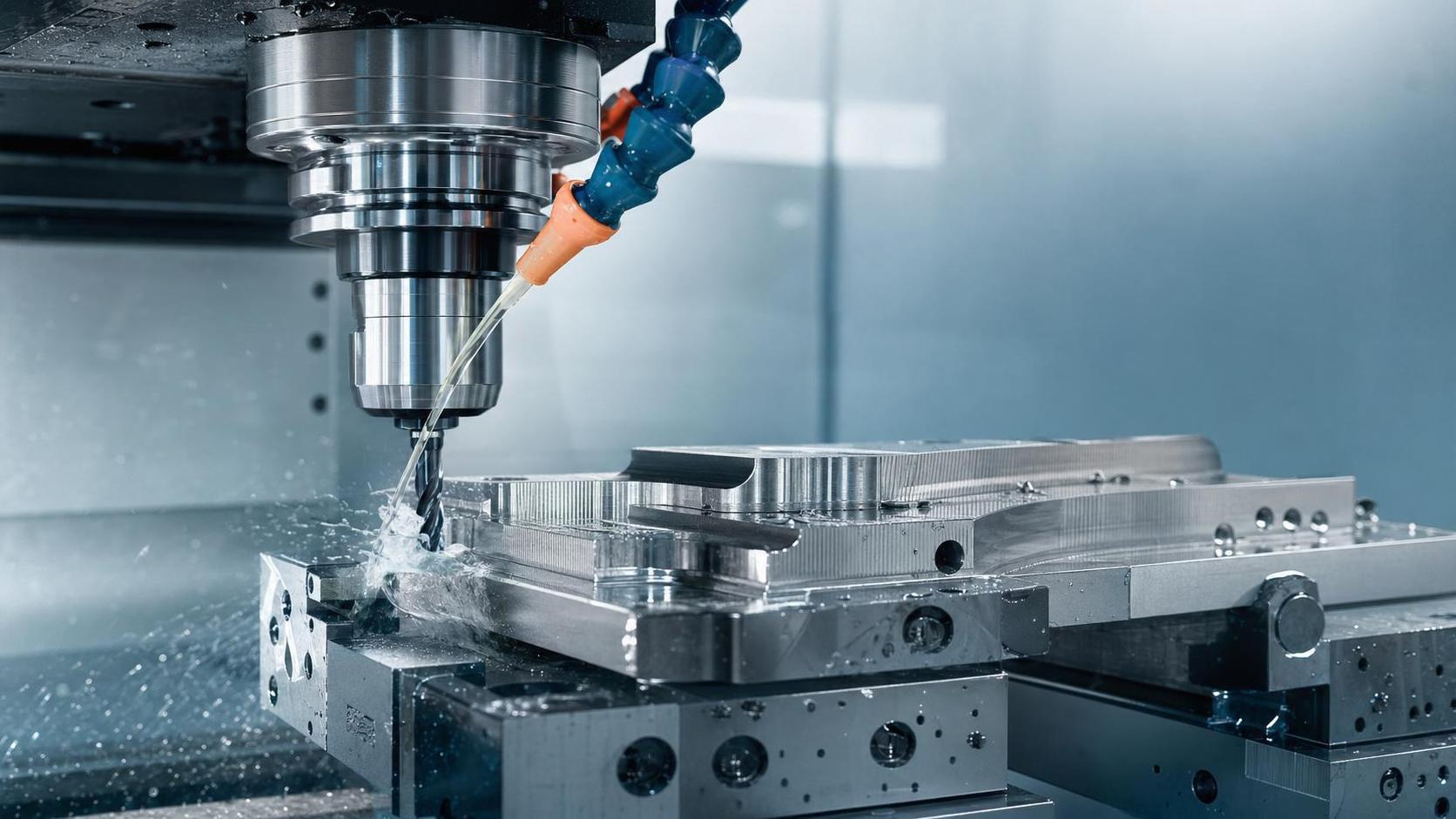
High Precision CNC Machine Tool Errors: Causes of Poor Surface Finish and How to Fix Them
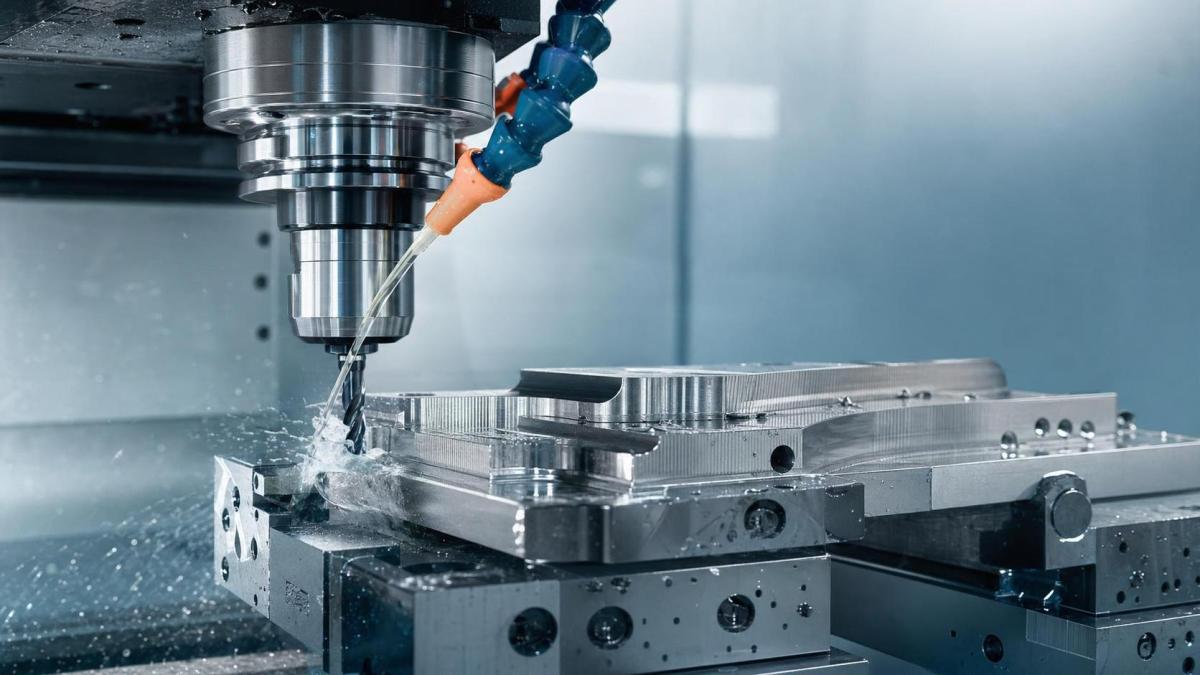
Even a High Precision CNC Machine Tool can leave visible marks, waviness, or roughness when hidden errors build up inside the process.
Poor surface finish is rarely caused by one factor alone.
In most workshops, it comes from a mix of vibration, tool wear, heat, setup drift, and unstable cutting conditions.
That also means surface quality can improve quickly when the right checkpoints are in place.
For any team running a High Precision CNC Machine Tool, the main task is simple.
Find the true error source, confirm its effect on the part, and correct it before defects spread across the batch.
This article breaks down the most common causes of poor finish and shows practical fixes that work in daily production.
Why Surface Finish Fails on a High Precision CNC Machine Tool
A High Precision CNC Machine Tool is designed for tight tolerances, but precision does not remove process variation.
It only makes small errors easier to see.
Surface defects often appear before dimensional failure.
That is why finish quality is an early warning signal for machine condition, tooling health, and setup discipline.
Typical symptoms include chatter marks, feed lines, torn material, built-up edge patterns, discoloration, and inconsistent gloss.
Each pattern points to a different root cause.
In actual operations, the fastest improvements come from reading those patterns correctly instead of adjusting everything at once.
The most common error sources
- Spindle or structure vibration
- Cutting tool wear or wrong tool geometry
- Thermal expansion in spindle, ball screws, or workpiece
- Fixture instability or weak clamping force
- Improper feed, speed, or depth of cut
- Coolant delivery failure or chip evacuation problems
- Axis backlash, servo tuning issues, or alignment deviation
Vibration and Chatter: The Fastest Way to Ruin Surface Finish
When a High Precision CNC Machine Tool vibrates, surface finish usually drops right away.
You may see repeating waves, sharp ridges, or irregular noise bands on the machined face.
Chatter often starts with a long tool overhang, weak workholding, worn bearings, or an aggressive cutting parameter.
From a quality standpoint, vibration is dangerous because it can look minor at first while quickly damaging tool life and part consistency.
How to correct vibration-related errors
- Reduce tool stick-out and use the shortest stable setup.
- Check fixture rigidity and confirm the workpiece is fully supported.
- Lower spindle speed or adjust it away from the resonance zone.
- Review insert grade and nose radius for the material.
- Inspect spindle bearings and machine leveling if vibration persists.
A stable High Precision CNC Machine Tool should produce a consistent sound during cutting.
A changing tone is often the first sign that finish quality is about to slip.
Tool Wear, Tool Geometry, and Material Behavior
A High Precision CNC Machine Tool cannot compensate for a worn or unsuitable tool forever.
As the cutting edge wears, friction rises and heat builds.
That leads to tearing, smearing, burrs, and unstable chip formation.
This is especially common in stainless steel, aluminum alloys, and hard-to-machine materials.
Built-up edge is another frequent problem.
Material sticks to the cutting edge, then breaks away randomly, leaving an uneven surface behind.
What to review in tooling control
- Tool life standards by material and operation
- Insert coating and substrate compatibility
- Edge preparation, rake angle, and nose radius selection
- Runout at the tool holder and spindle interface
- Chip control performance during long cycles
In practice, replacing a tool too late costs more than replacing it early.
The hidden cost includes scrap, rework, and unstable process capability.
Thermal Drift and Machine Accuracy Loss
Thermal error is easy to underestimate on a High Precision CNC Machine Tool.
The machine may pass the first parts, then surface finish worsens as the spindle, axes, and fixture warm up.
A hot workpiece can also deform slightly during machining and relax after unloading.
The visible result is not always dimensional error first.
More often, it starts as a changing finish pattern from one batch to the next.
Practical thermal control measures
- Allow warm-up cycles before critical production starts.
- Stabilize ambient temperature around key machines.
- Monitor spindle growth and offset trends during long runs.
- Keep coolant temperature stable and flow rate consistent.
- Separate roughing and finishing when heat load becomes excessive.
More manufacturers now treat thermal behavior as a process variable, not just a maintenance topic.
That shift is important for any High Precision CNC Machine Tool running close-tolerance work.
Fixture Error, Alignment Issues, and Setup Drift
A rigid machine still fails when the setup is unstable.
On a High Precision CNC Machine Tool, small clamping errors often show up as uneven finish across the same part.
One side may cut cleanly while another shows chatter, drag marks, or distortion.
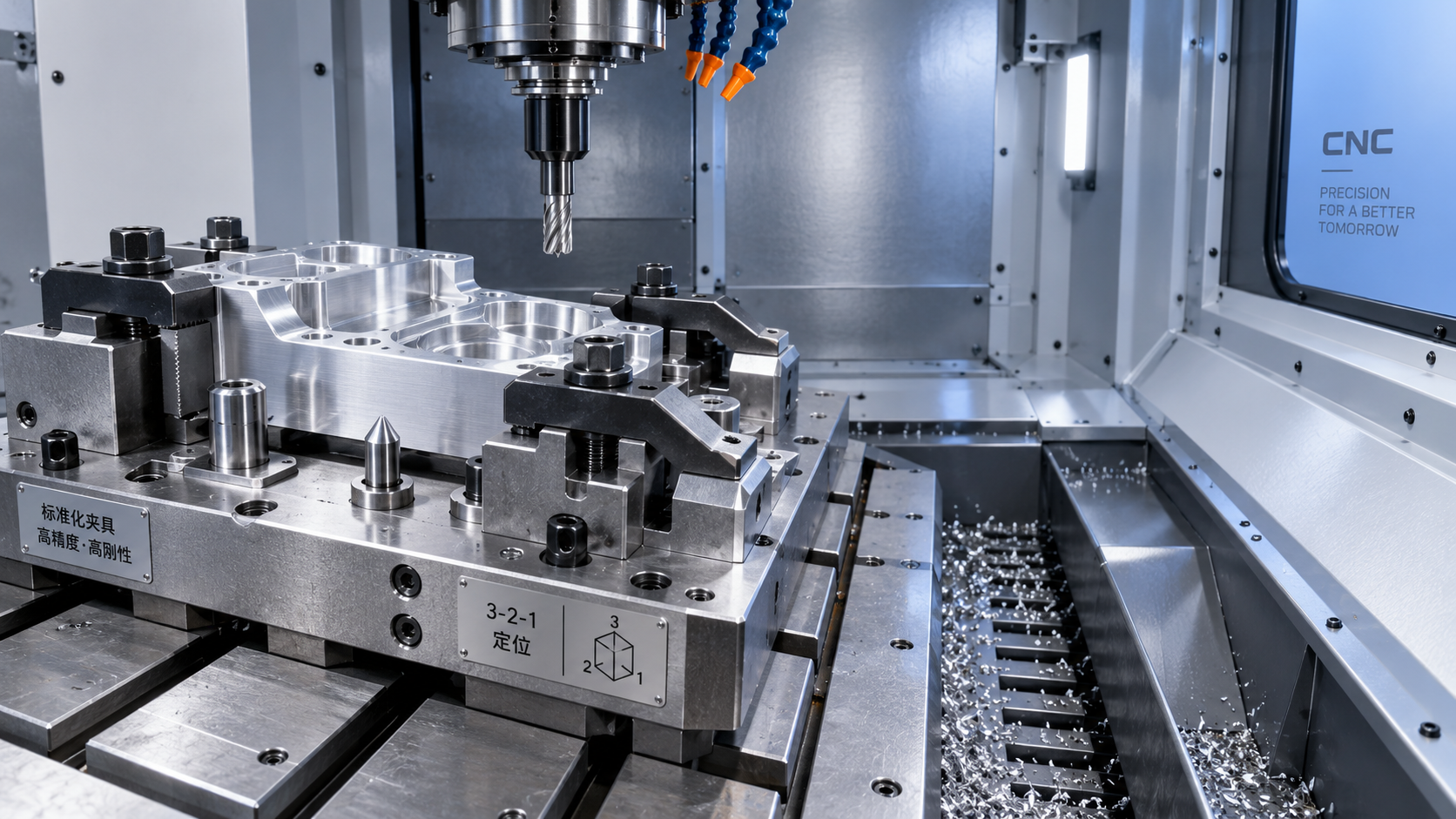
This usually points to alignment loss, clamping deformation, poor locating surfaces, or contamination under the fixture.
Checklist for setup control
- Clean contact surfaces before every setup
- Verify locator wear and repeatability
- Use controlled clamping force for thin-wall parts
- Confirm datum consistency between inspection and machining
- Measure runout and flatness after clamping, not before
This is where process discipline matters most.
A High Precision CNC Machine Tool performs well only when the setup repeats the same conditions every cycle.
Cutting Parameters, Coolant, and Chip Control
Sometimes the machine is healthy, the tool is new, and the setup looks correct, yet the finish still fails.
In that case, the process window may simply be wrong.
A feed rate that is too high leaves visible feed marks.
A speed that is too low can increase built-up edge.
Poor coolant direction or weak chip evacuation lets chips recut the surface.
That creates scratches and random finish defects that are easy to misread as tool wear.
A quick diagnostic table
How to Build a More Stable Surface Finish Control System
The best response is not just fixing one bad part.
It is building a repeatable control system around the High Precision CNC Machine Tool.
That means linking machine condition, tooling data, setup standards, and inspection feedback into one routine.
When these points are tracked together, abnormal finish becomes easier to predict and faster to contain.
A practical action plan
- Record finish defects by pattern, machine, tool, and material lot.
- Set trigger limits for vibration, tool life, and offset drift.
- Audit fixtures and tool holders on a defined schedule.
- Use first-piece and patrol inspection data to confirm trend changes early.
- Train operators to link visible finish patterns to likely process causes.
In a modern manufacturing environment, that level of control is no longer optional.
A High Precision CNC Machine Tool delivers real value only when precision is matched by stable execution.
If poor surface finish keeps returning, start with the visible pattern, trace the process variables, and correct the source in sequence.
That approach reduces defects, lowers operational risk, and keeps production quality steady over time.
Recommended for You
 How to Select an Industrial Lathe for High-Volume Shaft ProductionMachine Tool Industry Editorial Team
 Selecting Machine Tools for Automotive Parts: Accuracy, Throughput, and AutomationMachine Tool Industry Editorial Team
 Industrial Machining: Selecting Processes for Tight-Tolerance Metal PartsCNC Machining Technology Center
 Manufacturing Technology Trends That Improve Throughput and Quality ControlManufacturing Market Research Center
 How to Design Cost-Effective Fixtures That Maintain Cycle Time in Mass ProductionCNC Machining Technology Center
 Is Learning CNC Programming Worth It for Shop Owners Seeking Higher Margins?CNC Machining Technology Center

Aris Katos
Future of Carbide Coatings
15+ years in precision manufacturing systems. Specialized in high-speed milling and aerospace grade alloy processing.
▶
Is Learning CNC Programming Worth It for Shop Owners Seeking Higher Margins?CNC Machining Technology Center▶
How to Select CNC Equipment for High-Mix, Low-Volume ProductionCNC Machining Technology Center▶
Can CNC Machining Inconel Control Tool Wear in High-Temperature Aerospace Parts?CNC Machining Technology Center▶
How Automated Precision Machining Maintains Tolerance in High-Mix ProductionCNC Machining Technology Center▶
CNC Programming Explained: From CAD Models to Reliable Shop-Floor ToolpathsCNC Machining Technology Center
Mastering 5-Axis Workholding Strategies
Join our technical panel on Nov 15th to learn about reducing vibrations in thin-wall components.

Providing you with integrated sanding solutions
Before-sales and after-sales services
Comprehensive technical support