• Global CNC market projected to reach $128B by 2028 • New EU trade regulations for precision tooling components • Aerospace deman
NYSE: CNC +1.2%LME: STEEL -0.4%

Common CNC Programming mistakes that raise scrap rates
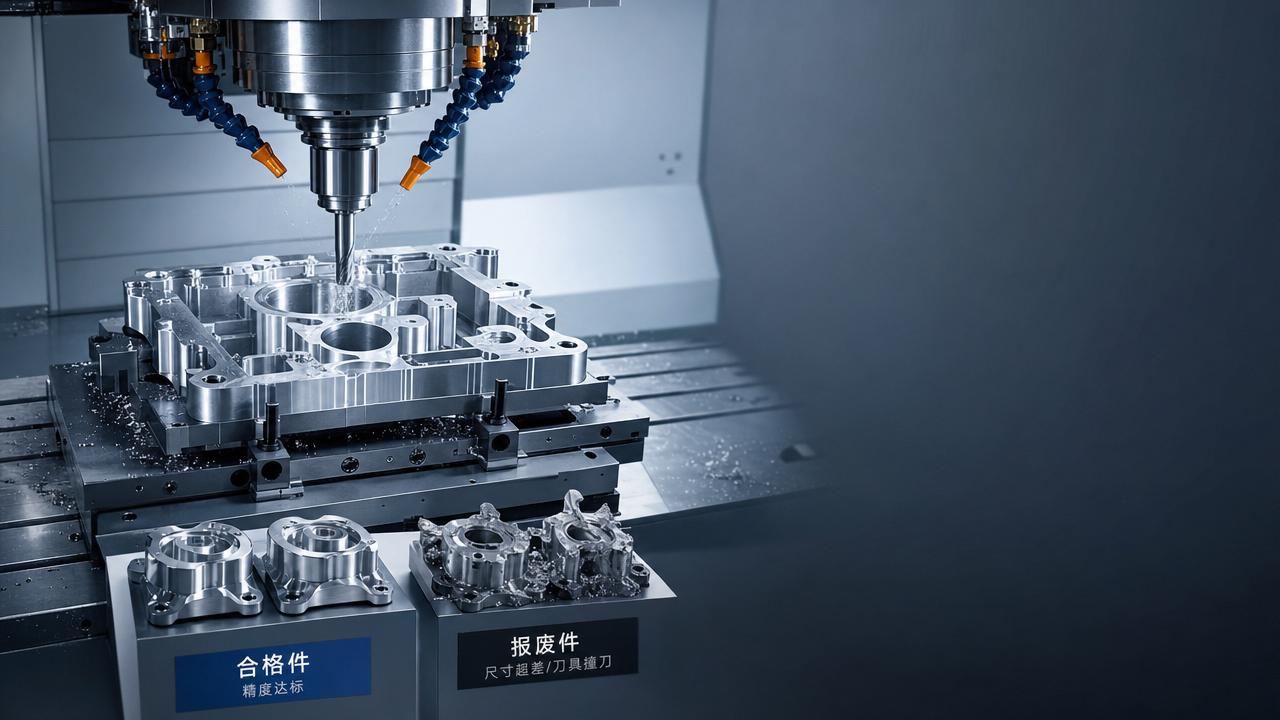
Even small CNC Programming errors can drive up scrap rates, waste material, and slow production. For operators and shop-floor users, understanding the most common programming mistakes is essential to improving part quality, machine efficiency, and process stability. This article highlights the key issues behind avoidable scrap and shows how better programming habits can support more reliable manufacturing results.
Why do small CNC Programming mistakes create big scrap problems?
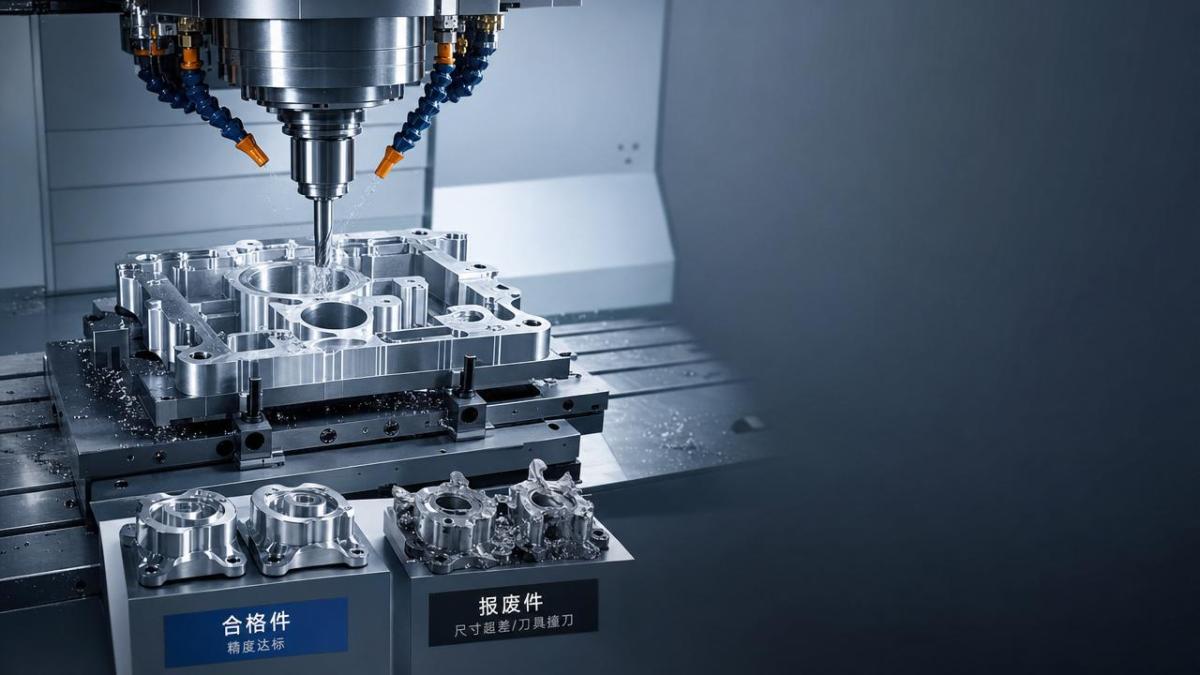
In modern machining, scrap rarely comes from one dramatic failure. More often, it starts with a small CNC Programming oversight that repeats across a batch. A wrong offset call, an unsafe toolpath entry, or an incorrect feed value can turn stable production into a chain of rejected parts.
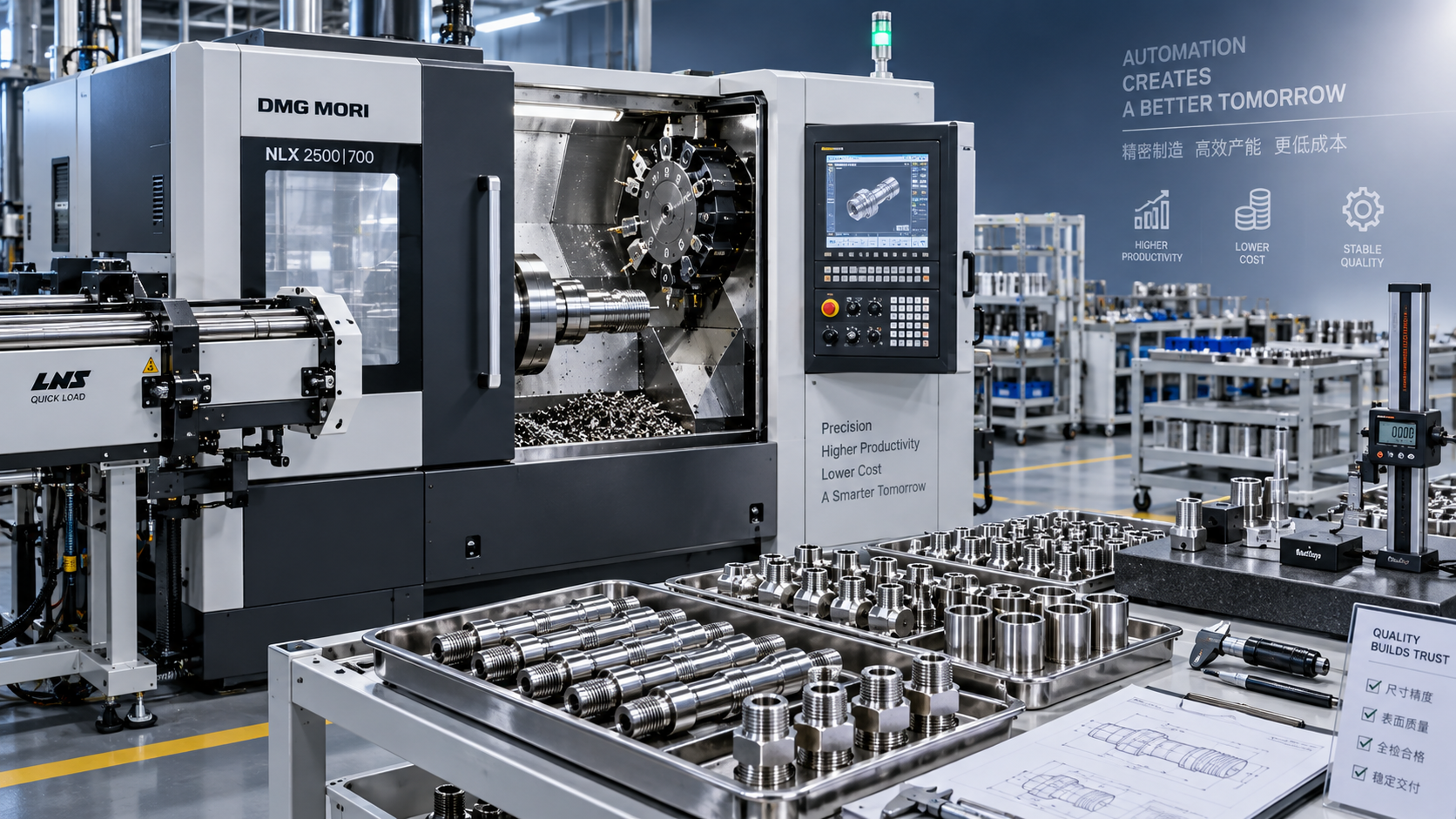
This matters even more in industries such as automotive, aerospace, electronics, and energy equipment, where precision parts must meet tight tolerances and repeatability targets. Operators are often the first to notice the effects: burrs, chatter, taper, dimensional drift, poor surface finish, and broken tools.
As CNC machines, multi-axis systems, and automated production lines become more integrated, CNC Programming errors can spread faster. One flawed program may affect several machines, fixtures, or shifts before anyone identifies the root cause.
- A single wrong coordinate system can position a tool correctly in simulation but incorrectly on the machine if setup reality differs from the digital model.
- An aggressive feed or spindle combination may look productive on paper but create heat, tool wear, and dimensional instability in actual cutting.
- Poor sequencing between roughing, semi-finishing, and finishing can leave uneven stock, causing unpredictable tool load and higher scrap rates.
The most common CNC Programming mistakes operators should watch for
Operators do not always write the original code, but they deal with its consequences every day. Knowing the common failure points makes it easier to stop bad parts early and improve communication with programmers, process engineers, and setup teams.
Incorrect work offsets and coordinate assumptions
One of the most common CNC Programming mistakes is using the wrong work offset or assuming the setup origin matches the program origin. This often causes misplaced features, incorrect depths, or complete part scrap on the first run.
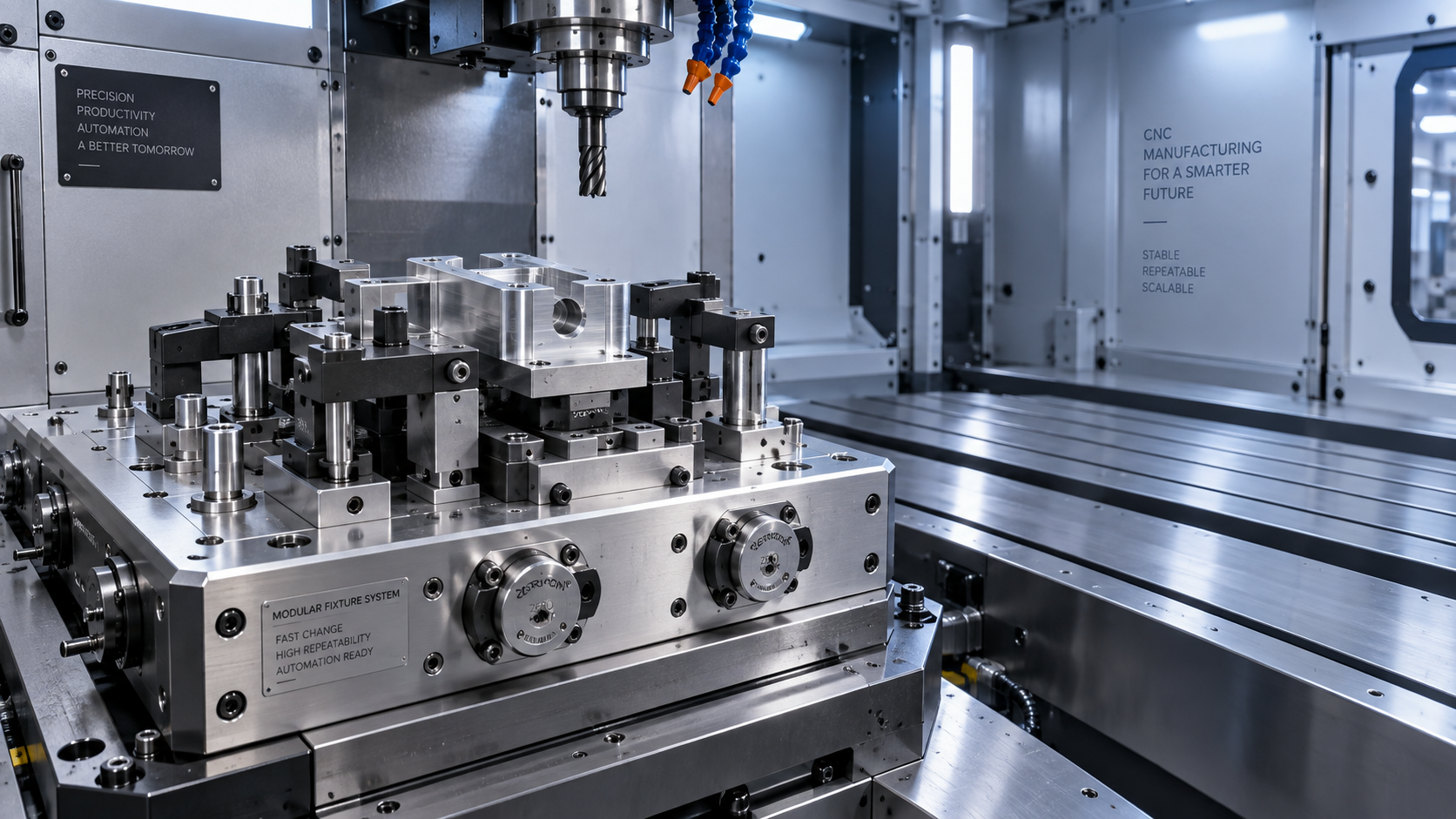
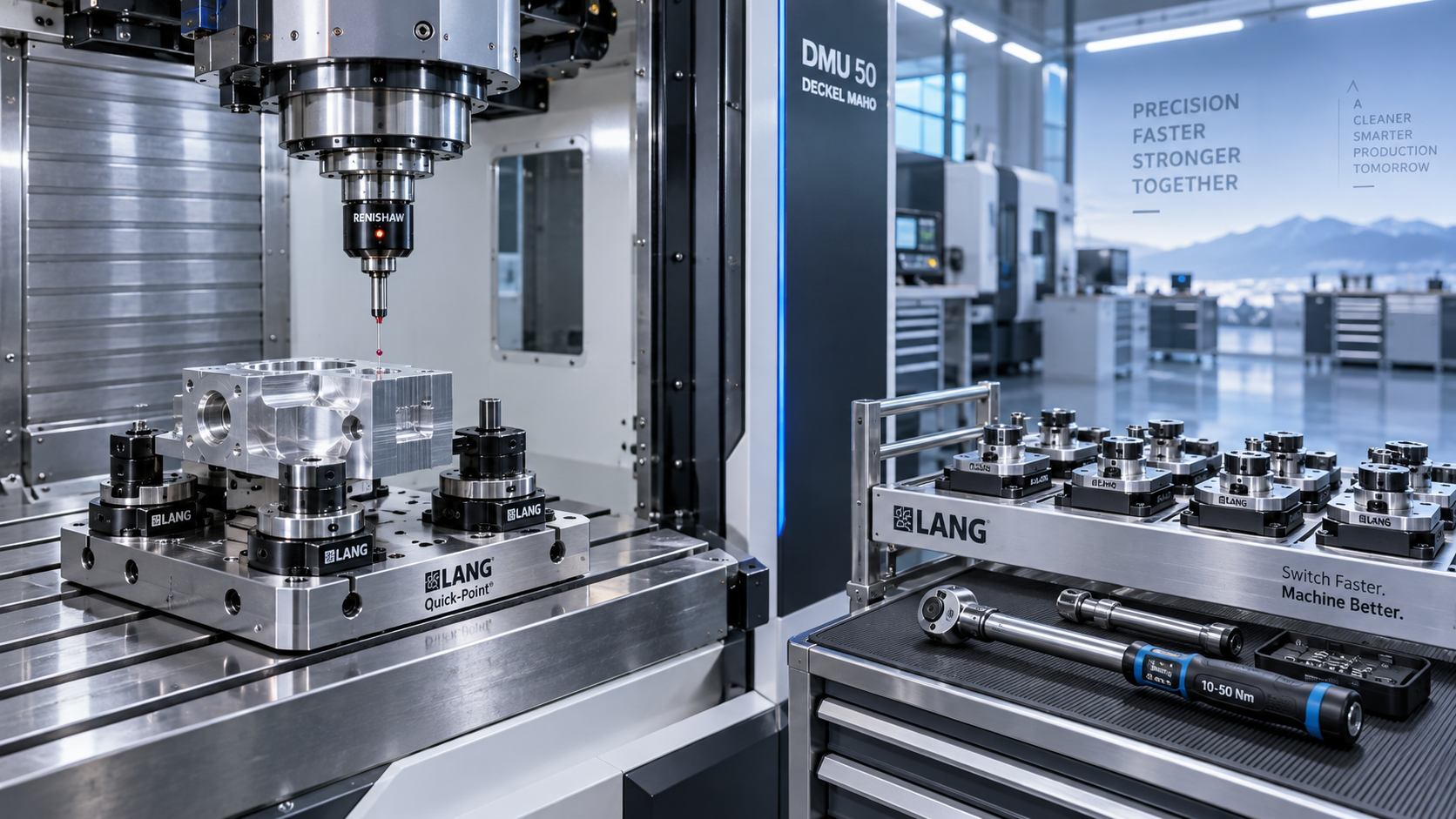
The risk increases when a shop runs multiple fixtures, tombstones, or family parts. A program that works on one setup can fail on another if offset logic is not clearly documented and verified during prove-out.
Unsafe or poorly planned toolpath entry and exit
Bad entry moves can overload a tool before the cut stabilizes. Bad exit moves can leave marks, pull material, or damage thin walls. This is especially serious on aluminum housings, stainless parts, and heat-resistant alloys where cutting behavior changes quickly.
Wrong cutter compensation or wear compensation logic
If compensation values are called incorrectly, or if wear offsets are applied without a clear limit, part size can drift from nominal over an entire lot. Operators may try to save parts with offset changes, but if the original CNC Programming logic is weak, adjustment alone will not solve the issue.
Feed and speed values that ignore real cutting conditions
Programmed feeds and speeds often fail when material hardness, tool overhang, coolant delivery, or machine rigidity differ from assumptions. What worked on one machining center may generate chatter or taper on another.
Missing collision checks in multi-axis or complex setups
As parts become more complex, CNC Programming mistakes are no longer limited to dimensions. Rotary axis positions, fixture clearance, tool holder interference, and probing paths can all create hidden collision risks that damage parts and stop production.
The table below connects common CNC Programming mistakes with the scrap symptoms operators usually see on the shop floor.
For operators, the value of this comparison is practical: scrap patterns often point back to a repeatable programming cause. When symptoms are linked clearly to code logic, corrective action becomes faster and less expensive.
Which CNC Programming errors are most expensive in high-precision industries?
Not every error has the same cost. In low-value parts, a minor dimensional failure may only waste time and raw material. In aerospace brackets, medical-style precision components, or turbine-related parts, a single bad program can consume expensive stock, special tooling, and machine capacity.
High-precision sectors also use tighter process control. That means CNC Programming must account for thermal movement, finishing stock consistency, inspection access, probing routines, and tool life behavior across longer unattended cycles.
High-cost mistakes in production environments
- Finishing before stress is released from roughing, which causes later distortion and final dimension failure.
- Using the same program logic across different machine platforms without checking acceleration, rigidity, and controller behavior.
- Ignoring fixture deflection on thin or long parts, leading to in-process movement and inconsistent geometry.
- Programming nominal dimensions correctly but failing to support in-process inspection or operator adjustment points.
The next table helps users judge which CNC Programming issues deserve the fastest response when scrap risk and production cost are both high.
The highest-cost mistakes are not always the most visible. A quiet programming issue that causes slow dimensional drift can be more damaging than a loud crash, because it may affect many parts before detection.
How can operators reduce scrap before a full batch runs?
Operators have strong influence over scrap prevention, even when they are not responsible for original CNC Programming. A disciplined first-piece approval process often catches problems before they scale across the shift.
A practical first-run checklist
- Confirm the active program revision matches the traveler, setup sheet, and tooling list. Old code is a frequent scrap source.
- Verify work offset location physically, not only on screen. Probe results and setup intent must agree.
- Check tool length, diameter, wear values, and holder condition before cycle start. A correct program can still fail with incorrect tool data.
- Use reduced rapid override, reduced feed override, and optional stop during prove-out on new or revised CNC Programming.
- Measure critical features early in the sequence if possible, rather than waiting until the entire part is complete.
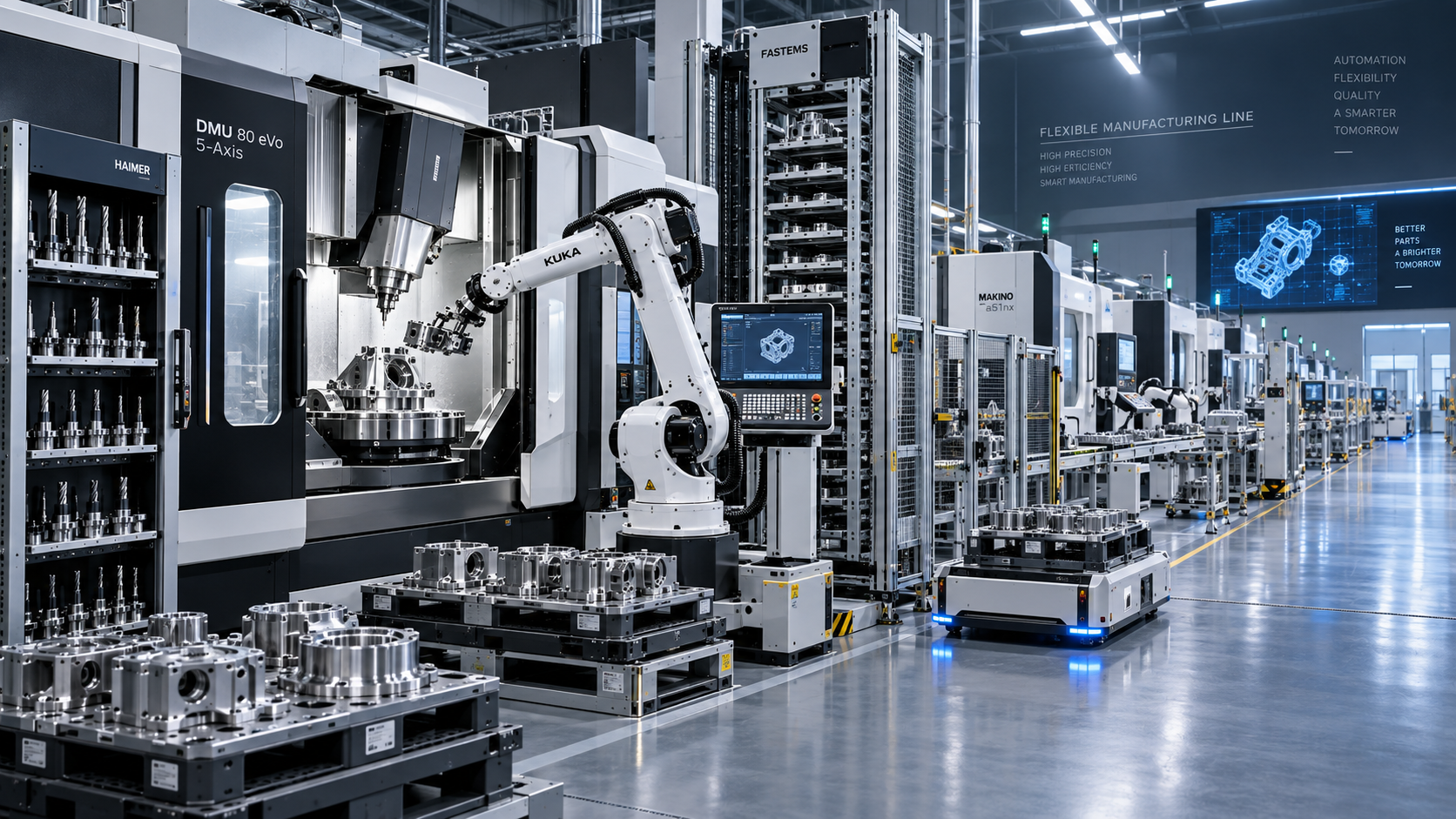
This checklist is especially useful in flexible production lines and mixed-part environments, where setups change often and programming assumptions can be invalidated by fixture swaps, tool substitutions, or material variation.
What should users report back to programmers?
Feedback should be specific. Instead of saying a program is bad, report where the problem starts, which feature changes first, what spindle load looks like, whether coolant reaches the cut, and how dimensions trend over time. This shortens the correction loop.
In digital manufacturing environments, this feedback can be linked to inspection data, tool life records, and machine monitoring. That makes CNC Programming improvement part of a broader continuous process, not just a one-time fix.
Better CNC Programming habits that support stable machining
The goal is not only to avoid scrap today. Good CNC Programming habits build repeatability across machines, shifts, and part families. That matters in global manufacturing, where suppliers often serve customers with strict quality expectations and short lead times.
Programming practices worth standardizing
- Use clear and consistent program structure so operators can identify offsets, tool calls, safe planes, and inspection points quickly.
- Separate roughing, semi-finishing, and finishing logic with enough process margin to control deflection and heat.
- Build in optional stops or inspection pauses on high-risk features during new part introduction.
- Document approved cutting conditions by material, tool type, and machine class rather than copying values from unrelated jobs.
- Review post-processor output carefully on multi-axis programs, because small format errors can create large machine motion differences.
These habits are increasingly important as smart factories adopt more automation, probing, robotics, and connected planning systems. Stable CNC Programming reduces not only scrap, but also downtime, manual intervention, and urgent rework.
FAQ: what do users and operators ask most about CNC Programming and scrap?
How do I know whether scrap comes from programming or setup?
Look for repeatability. If the same feature fails in the same way across repeated setups, CNC Programming is a likely cause. If results vary from operator to operator or fixture to fixture, setup control may be the bigger issue. In many cases, both interact and should be reviewed together.
Should operators edit CNC Programming on the machine?
Minor edits such as approved wear compensation or controlled feed reduction may be acceptable under shop rules. Larger edits should follow revision control. Untracked machine-side changes often solve one immediate issue while creating future scrap risk on the next run.
What is the fastest way to reduce scrap on a new job?
Slow down the prove-out, inspect early, and verify every key assumption: offset, tool data, stock condition, fixture location, and cutting load. A few extra minutes before full production usually cost far less than a tray of rejected precision parts.
Why do CNC Programming problems increase when automation increases?
Automation reduces manual intervention, which is good for efficiency but unforgiving when program logic is wrong. In pallet systems, robotic loading cells, and flexible lines, one mistake can repeat faster and across more parts. That is why programming discipline and verification become even more critical.
Why choose us when you need CNC machining insight and process support?
We focus on the global CNC machining and precision manufacturing industry, following the technologies, production methods, and trade developments that affect machine shops, equipment users, and component suppliers. That industry perspective helps turn CNC Programming issues into practical decisions on tooling, setup, machine capability, and process control.
If you need help evaluating CNC Programming risks, machining process stability, or production readiness, you can contact us for specific topics such as parameter confirmation, machine and tooling selection, process matching for different materials, delivery lead time discussion, sample support, or quotation communication for custom manufacturing solutions.
For operators, production managers, and sourcing teams, the most useful support often starts with clear technical questions. Share your part type, material, machine category, tolerance focus, and current scrap symptoms, and the discussion can move quickly toward a more stable and practical solution.
Recommended for You
 How to Select CNC Equipment for High-Mix, Low-Volume ProductionCNC Machining Technology Center
 Can CNC Machining Inconel Control Tool Wear in High-Temperature Aerospace Parts?CNC Machining Technology Center
 Machine Tool Market Outlook: Demand Drivers, Capacity Shifts, and Investment RisksManufacturing Market Research Center
 Zero-Point Clamping or Modular Fixtures? Choosing a Faster CNC Changeover SystemCNC Machining Technology Center
 How to Cut CNC Fixture Changeover Time Without Sacrificing Part AccuracyCNC Machining Technology Center
 When Does CNC Turning Pay Off? A Break-Even Guide by Annual Part VolumeMachine Tool Industry Editorial Team

Aris Katos
Future of Carbide Coatings
15+ years in precision manufacturing systems. Specialized in high-speed milling and aerospace grade alloy processing.
▶
How to Select CNC Equipment for High-Mix, Low-Volume ProductionCNC Machining Technology Center▶
Can CNC Machining Inconel Control Tool Wear in High-Temperature Aerospace Parts?CNC Machining Technology Center▶
How Automated Precision Machining Maintains Tolerance in High-Mix ProductionCNC Machining Technology Center▶
CNC Programming Explained: From CAD Models to Reliable Shop-Floor ToolpathsCNC Machining Technology Center▶
How Multi-Axis Machining Produces Complex Components With Fewer SetupsCNC Machining Technology Center
Mastering 5-Axis Workholding Strategies
Join our technical panel on Nov 15th to learn about reducing vibrations in thin-wall components.

Providing you with integrated sanding solutions
Before-sales and after-sales services
Comprehensive technical support