• Global CNC market projected to reach $128B by 2028 • New EU trade regulations for precision tooling components • Aerospace deman
NYSE: CNC +1.2%LME: STEEL -0.4%

CNC Programming Errors That Waste More Material Than Expected
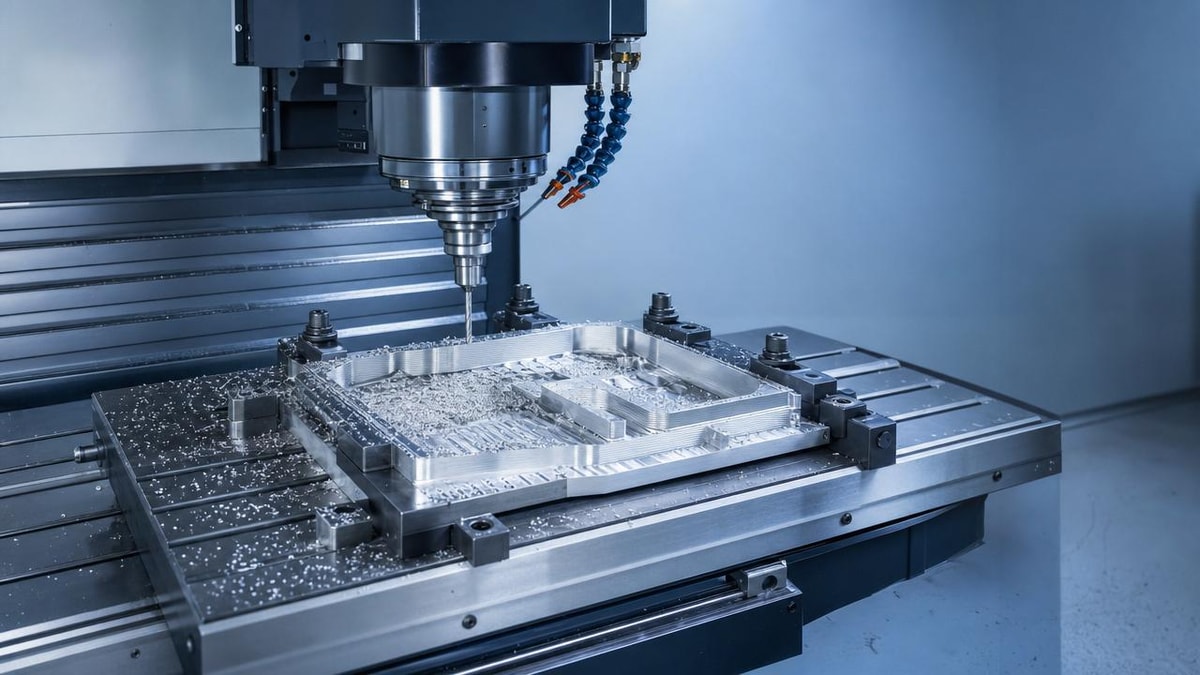
Even small CNC Programming mistakes can waste far more material than most operators expect. A wrong offset, an unsafe tool path, or an aggressive feed setting can turn a stable job into scrap within minutes. For operators and shop-floor users, the real concern is not theory—it is how to spot the errors that create unnecessary waste, how to prevent them before cycle start, and how to build more consistent machining results without slowing production.
In most shops, material loss from CNC Programming problems does not come from one dramatic crash alone. It usually comes from repeated small failures: parts cut oversize or undersize, poor surface finish that forces rework, tools wearing too fast, or extra stock left because the program was never optimized. These issues quietly reduce yield and machining profitability.
This article focuses on the practical side of CNC Programming for operators and machine users. It explains which programming errors waste the most material, why they happen, what warning signs to watch for, and what checks can reduce scrap before it becomes a production habit.
What operators really need to know about CNC Programming waste
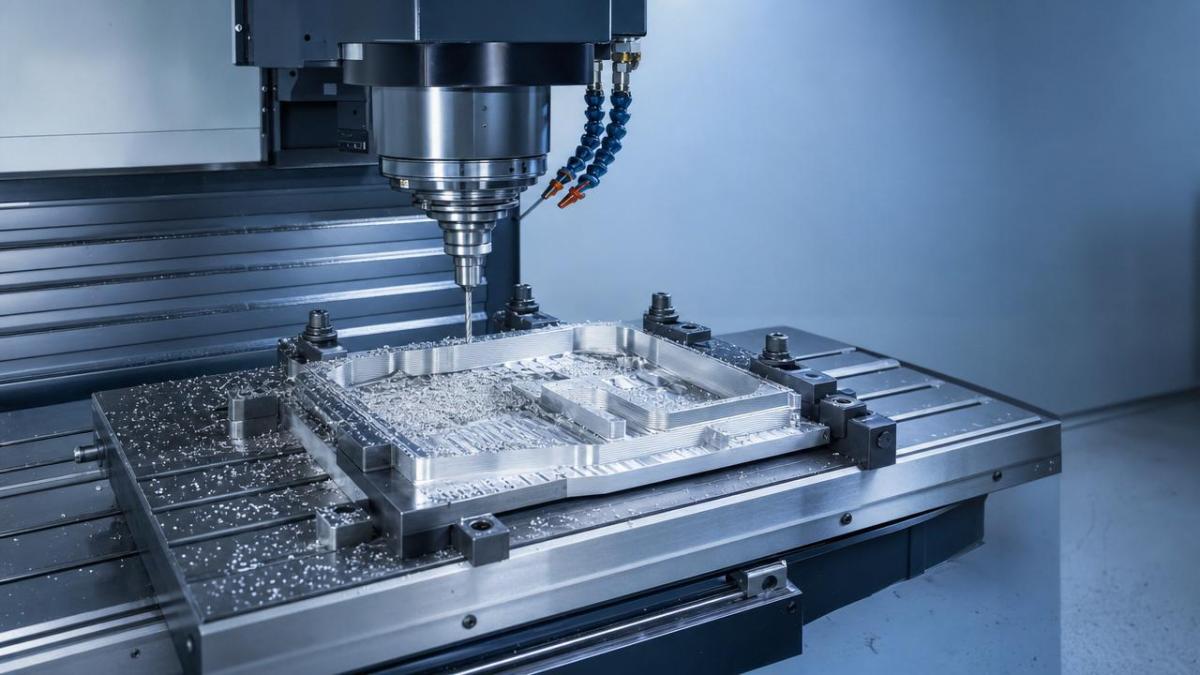
The core search intent behind this topic is practical problem-solving. Most readers are not looking for a textbook definition of CNC Programming. They want to understand why supposedly minor program mistakes can create large material losses, and what they can do on the machine side to prevent that from happening.
For operators, the biggest concern is usually this: “Which errors are most likely to scrap parts, and how can I catch them before the material is gone?” That question connects directly to setup verification, toolpath review, offset confirmation, and first-piece inspection. These are the points where waste can often be prevented.
The most helpful content, therefore, is not broad discussion about automation trends. What matters here is a clear breakdown of common error types, the mechanism by which each one creates waste, and a practical checklist that can be applied in daily work. The sections below are written with that priority in mind.
Why small programming errors often create bigger material loss than expected
Material waste in CNC machining is rarely limited to the value of one bad part. A single CNC Programming mistake can trigger a chain of losses: scrapped raw material, wasted cycle time, premature tool wear, extra inspection work, machine downtime, and delayed delivery. That is why even “small” errors can become expensive quickly.
For example, if a wrong tool length offset causes a feature to be machined too deep, the part may be unrecoverable. If the same error is not detected on the first piece, multiple parts in the batch may be scrapped before anyone stops the machine. In higher-value materials such as aluminum billet, stainless steel, titanium, or precision castings, that loss becomes serious immediately.
Another reason waste grows fast is that CNC machines work consistently. That is normally an advantage, but if the program contains a wrong value or unsafe assumption, the machine may reproduce the same mistake across every part. Good CNC Programming supports repeatability; bad CNC Programming repeats waste.
Incorrect work offsets and zero-point errors are still among the biggest causes of scrap
Few mistakes are as common—or as costly—as incorrect work offsets. If the part zero is set in the wrong location, every following move is technically correct inside the program but wrong in relation to the workpiece. The result may be an entire feature pattern shifted, a bore machined off-center, or a finishing pass cutting into an area with no stock allowance left.
Operators often see this after setup changes, fixture swaps, or job restarts. A program that ran correctly yesterday may fail today because G54, G55, or another coordinate system was not confirmed after a changeover. In multi-part fixtures, even one wrong offset can affect only one station at first, making the issue harder to notice until scrap accumulates.
Zero-point errors also waste material indirectly. If the first cut seems suspicious and the operator must stop, re-check, and re-touch the setup several times, stock may already be marked or partially machined in ways that prevent reuse. When the raw material is expensive or pre-processed, even a partial error can mean full rejection.
To reduce this risk, operators should verify the active work offset before cycle start, compare the setup sheet with the actual fixture condition, and use a careful dry run or single-block test for first-piece validation. On repeat jobs, never assume stored offsets are still correct just because the program name is familiar.
Tool length and diameter compensation mistakes cause silent but expensive errors
Compensation errors are dangerous because they do not always create an obvious crash. Instead, they often produce parts that are dimensionally wrong, slightly out of tolerance, or cosmetically poor. This kind of scrap is especially expensive because the issue may only be found during inspection or assembly rather than at the machine.
A wrong tool length offset can push cuts too deep or leave too much material behind. A wrong diameter value can shift profile dimensions, alter wall thickness, or create incorrect corner blending. If the operator loads a replacement tool but forgets to confirm the compensation data, the new tool may cut differently even though the program itself has not changed.
This problem becomes more severe in tight-tolerance work and multi-axis machining. In these cases, small compensation differences can affect multiple features at once. A contour that looks acceptable visually may still fail final measurement, meaning the material, machine time, and tool life are all lost together.
The most effective prevention is simple but disciplined: confirm every tool offset against the tool list, verify wear values after tool replacement, and inspect the first finished feature rather than waiting until the entire part is complete. In CNC Programming, compensation values are not a minor detail—they are part of the cutting logic.
Poor toolpath planning wastes stock, time, and tool life at the same time
Some programming errors do not cause immediate scrap but still waste material through inefficient cutting behavior. Poor toolpath planning can leave uneven stock for finishing, force extra cleanup passes, or create unstable cutting loads that damage edges and reduce accuracy. In these cases, the material may not be thrown away instantly, but profitability still drops.
One common example is inconsistent roughing allowance. If too much material is left in certain areas and too little in others, the finishing tool may deflect differently across the part. That can create dimensional inconsistency, chatter marks, or local gouging. The operator may then need to rework the part, and sometimes there is not enough stock left for correction.
Another issue is poor entry and exit strategy. Aggressive plunges, bad approach angles, or abrupt directional changes can overload the tool and damage the part surface. On thin-wall or delicate components, that may mean distortion, vibration, or edge breakage that makes the workpiece unusable.
Good CNC Programming should balance material removal efficiency with process stability. Operators can often identify weak toolpath logic by watching chip formation, spindle load, vibration behavior, and how much hand adjustment is required during the first run. If a program “works” only with constant operator intervention, it is already creating hidden waste.
Wrong feed rates and spindle speeds often ruin parts before anyone notices
Feed and speed mistakes are not always dramatic, but they are a frequent source of scrap and excess material loss. If the feed rate is too high, the tool may deflect, chatter, or remove more material than intended on corners and entry points. If the spindle speed is too low or too high for the material and tool, surface finish may degrade and dimensions may drift as the tool wears faster.
Operators usually recognize the symptoms first: unusual sound, built-up edge, discoloration, long stringy chips, burr formation, or poor finish on the first critical feature. These signs matter because they often appear before the part is fully ruined. Responding early can save both the part and the next pieces in the queue.
Programming values that look reasonable on paper may still be wrong in actual cutting conditions. Tool overhang, machine rigidity, coolant delivery, clamping strength, and material variation all influence the result. This is why operators play an important role in validating CNC Programming rather than simply trusting posted values without question.
When feeds and speeds are questionable, first-piece observation is essential. Check spindle load trends, chip shape, surface finish, and actual dimensions after the first critical operation. Small adjustments to stable cutting parameters can protect both material and tool life far more effectively than letting a bad program continue for the whole batch.
Unsafe canned cycles and depth settings can destroy multiple parts quickly
Drilling, tapping, pecking, boring, and pocketing cycles save time, but they also multiply programming mistakes. If a depth value, retract plane, or peck setting is incorrect, the machine may repeat the same bad motion many times in one cycle. That can break tools, damage holes, and make an entire workpiece unusable in seconds.
Hole-making errors are especially costly because many parts cannot be repaired once critical holes are oversized, misplaced, or drilled too deep. On parts with expensive pre-machined surfaces or multiple completed operations, one bad canned cycle can waste all previous work on that component.
Operators should pay close attention to R-plane settings, final depth values, tool stick-out, and whether the program assumes a fixture height that matches the current setup. A safe cycle in one fixture may become an unsafe cycle in another if the setup condition changes but the program does not.
Simulation helps, but machine-side caution is still necessary. During first-piece prove-out, use reduced rapid overrides, watch initial hole positions carefully, and confirm actual depth early. Repeated cycle errors are among the fastest ways to turn a material issue into a batch-level loss.
Post-processor and machine format issues can create unexpected cutting behavior
Not all waste starts inside the CAM strategy itself. Sometimes the problem appears when the toolpath is converted into machine-readable code
PREVIOUS ARTICLE
NEXT ARTICLE
Recommended for You
 Industrial Machining Equipment Lead Times Are Changing AgainManufacturing Market Research Center
 Where Industrial Robotics Adds Value Beyond Simple Labor SavingsMachine Tool Industry Editorial Team
 Shaft Parts Machining Problems That Show Up After Final InspectionCNC Machining Technology Center
 Production Process Variations That Quietly Raise Scrap RatesCNC Machining Technology Center
 Industrial Automation Projects Fail When Data Is Added Too LateCNC Machining Technology Center
 CNC Metal Cutting Quality Drops Often Start With ClampingMachine Tool Industry Editorial Team


Aris Katos
Future of Carbide Coatings
15+ years in precision manufacturing systems. Specialized in high-speed milling and aerospace grade alloy processing.
▶
CNC Programming Errors That Waste More Material Than ExpectedCNC Machining Technology Center▶
CNC Milling Setup Errors That Keep Repeating Across ShiftsCNC Machining Technology Center▶
When Does CNC Industrial Make Sense for Small Batch Work?CNC Machining Technology Center▶
Can space-saving CNC manufacturing still handle larger part volumes?CNC Machining Technology Center▶
CNC milling chatter problems that tooling changes alone cannot fixCNC Machining Technology Center
Mastering 5-Axis Workholding Strategies
Join our technical panel on Nov 15th to learn about reducing vibrations in thin-wall components.

Providing you with integrated sanding solutions
Before-sales and after-sales services
Comprehensive technical support