• Global CNC market projected to reach $128B by 2028 • New EU trade regulations for precision tooling components • Aerospace deman
NYSE: CNC +1.2%LME: STEEL -0.4%

CNC Programming errors that keep repeating on similar parts
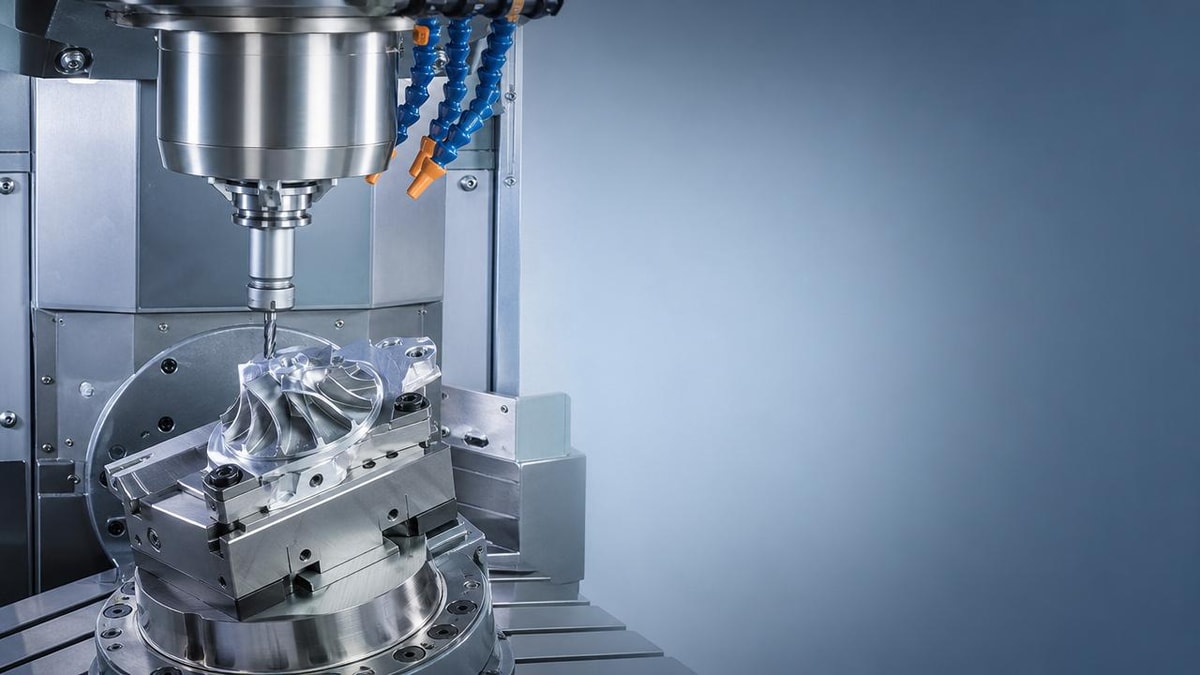
CNC Programming mistakes often repeat when operators run similar parts and assume the same logic will always work. Small errors in offsets, tool paths, feeds, or fixture setup can quickly turn into costly scrap and lost time. This article explores why these issues keep happening and how users and operators can spot patterns early, improve consistency, and reduce recurring machining problems.
Why do CNC Programming errors keep repeating on similar parts?
Repeated CNC Programming errors usually do not come from one dramatic failure. They come from familiar jobs that look almost identical, use nearly the same fixture, and seem safe to run with only minor edits. That is exactly why operators and programmers lower their guard. A pocket is moved by a few millimeters, a stock allowance changes, a tool stick-out is slightly different, or a new insert behaves differently under the same feedrate. The part family looks the same, but the process conditions are not truly the same.
In many shops, similar parts are built from copied programs. Copying saves time, but it also transfers hidden assumptions. A work offset left as G54 instead of G55, a cutter compensation value that belonged to the previous job, or a subprogram that still calls the wrong tool can survive into the next setup. Because the geometry looks close enough, the machine may run long enough to create scrap before anyone notices.
Another reason is process drift. Over time, operators adapt to small issues by making quick corrections at the control. These changes may solve one shift’s problem but never get fed back into the master CNC Programming file, setup sheet, or tool list. The next time a similar part returns, the same mistake reappears because the official process never truly improved. Repeating errors are often a documentation problem as much as a machining problem.
Which kinds of mistakes show up most often when machining part families?
The most common recurring CNC Programming mistakes on similar parts are rarely advanced coding issues. They are practical shop-floor mismatches between program intent and actual setup conditions. Operators should watch for several patterns that appear again and again in turning centers, machining centers, and multi-axis systems.
- Wrong work offset selection after changing fixtures or part orientation
- Tool length and diameter offsets that were not verified for the new setup
- Feed and speed values copied from another material or tool condition
- Safe clearance planes that are fine for one part height but unsafe for another
- Subprogram calls or tool numbers that no longer match the actual tool magazine
- Fixture clamp locations that interfere with unchanged tool paths
- Post-processor output differences that affect entry moves, arc behavior, or rotary positioning
These are not small details. In precision manufacturing, especially in automotive, aerospace, electronics, and energy equipment production, tiny mismatches can mean dimension loss, poor surface finish, broken tools, spindle crashes, or out-of-tolerance features. Similar parts create a false sense of security, which is why repeated CNC Programming issues are so expensive.
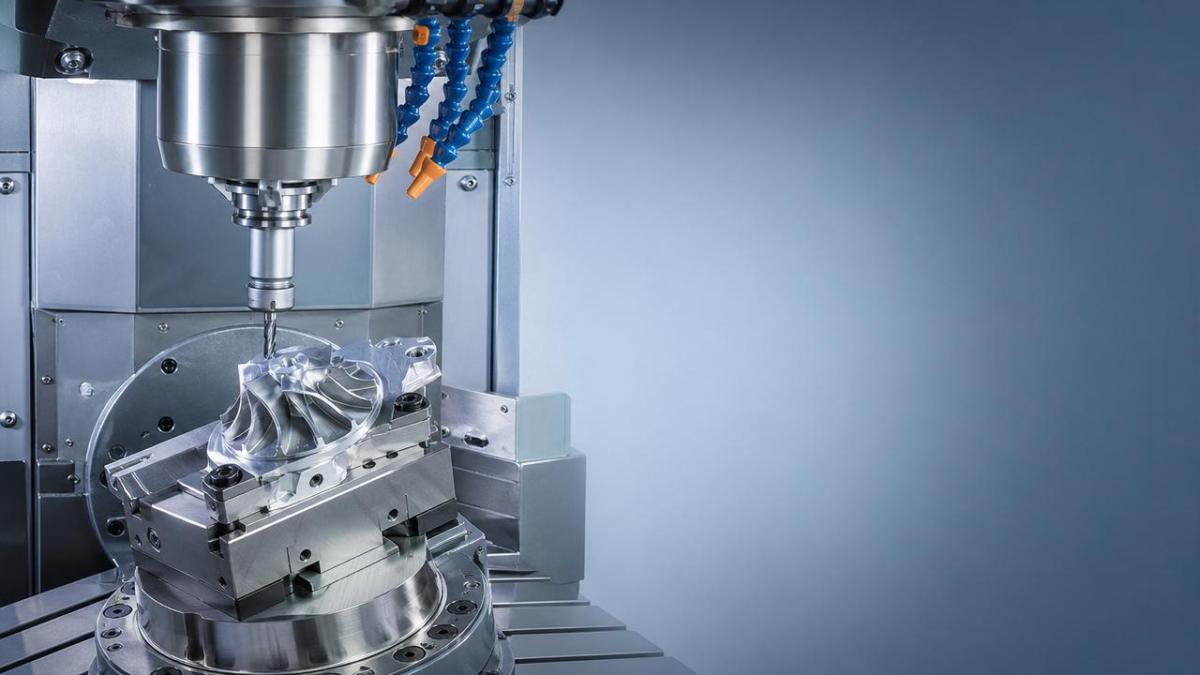
How can operators tell whether the problem is in the program, the setup, or the process itself?
This is one of the most useful questions in CNC Programming troubleshooting. Not every bad result means the code is wrong. A repeated issue may come from setup variation, tool wear, clamping distortion, material inconsistency, or machine condition. The fastest way to reduce recurring problems is to separate these sources clearly instead of blaming the program first.
Start by reviewing whether the error appears at the same feature, same tool, and same machine position every time. If the issue is consistent and tied to one motion sequence, the CNC Programming logic may be at fault. If the issue changes with each setup, the cause is more likely to be workholding, probing, offset entry, or operator execution. If dimensions drift gradually through the batch, tool wear compensation or thermal growth may be the true cause.
A practical method is to compare three records side by side: the released program, the setup sheet, and the actual machine offset page. Many repeating mistakes become visible immediately when those three items do not match. Shops with strong digital manufacturing discipline often catch these issues sooner because they tie CNC Programming revisions, tool management data, and machine setup records together instead of treating them as separate documents.
Quick diagnosis table for recurring CNC Programming problems
What are the most common assumptions that cause repeated CNC Programming failures?
The biggest assumption is that “similar geometry means similar process.” In reality, part families often contain hidden differences in datum structure, wall thickness, raw stock condition, tool reach, hole depth, or tolerance stacking. A tool path that worked on one part may be unstable on another because the cut engagement changes. Even if the CAD model looks almost identical, machining behavior may not be.
A second assumption is that simulation equals proof. CAM verification is valuable, but it may not include real clamp positions, spindle warm-up condition, actual holder dimensions, or machine-specific behavior. CNC Programming should never rely only on virtual confirmation when the setup has changed in any meaningful way. Good simulation reduces risk, but it does not replace setup validation.
A third assumption is that experienced operators can “adjust on the fly” without process impact. Skilled operators are essential, but undocumented manual correction creates inconsistency. The more a process depends on memory, personal habits, or shift-specific workarounds, the more likely the same CNC Programming problem will return when the job repeats months later or moves to another machine.
Finally, many teams assume that a stable machine will tolerate weak process control. Modern CNC machine tools are extremely capable, but precision depends on the full system: program structure, tooling, fixture design, cutting strategy, measurement flow, and operator communication. Repeated errors usually expose a weak link between these elements rather than a single coding mistake.
How can users and operators reduce recurring CNC Programming mistakes without slowing production?
The goal is not to add paperwork for its own sake. The goal is to build fast, repeatable controls that prevent avoidable errors. The most effective shops standardize only the checkpoints that protect production quality and machine safety. That balance is especially important in high-mix manufacturing, where similar parts return often and setup speed matters.
First, treat every similar part as a controlled variant, not a copy-paste job. In practical CNC Programming terms, that means verifying offsets, tool lists, clearance planes, stock size, and fixture references every time a new part number is released or revived. A short pre-run checklist can prevent hours of rework. For operators, this is often more valuable than a long generic work instruction that nobody fully reads.
Second, use revision discipline. If an operator changes a wear offset limit, restart block, lead-in move, or feed reduction to solve a real issue, that information should be reviewed and pushed back into the controlled process if it is valid. Repeated CNC Programming problems thrive in environments where machine-side edits never become official knowledge.
Third, connect setup verification to actual risk points. For example, if similar parts differ mainly in clamp position, then first-article checks should focus on clearance moves and approach paths. If they differ in material hardness or tool reach, then spindle load and chatter monitoring should be emphasized. Effective prevention is targeted, not generic.
- Lock down a standard naming and revision method for all CNC Programming files
- Link each program to a verified setup sheet and tool list
- Require first-part confirmation for offsets, safe Z levels, and clamp clearance
- Record temporary machine-side edits and review them before the next run
- Use family-based checklists for similar parts instead of one checklist for all jobs
When should a shop revise the entire process instead of fixing the same error again?
If the same CNC Programming issue returns across multiple batches, machines, or operators, the problem is no longer an isolated mistake. It is a process design problem. At that point, repeatedly correcting offsets or editing code at the machine only hides the real issue. A deeper review is needed.
Typical signs include frequent first-piece adjustments, inconsistent cycle times on similar parts, recurring questions about which offset to use, and different results between shifts. These signals suggest that the process depends too much on interpretation. In automated and smart manufacturing environments, such dependence limits scalability and makes quality performance unpredictable.
A full review may involve changing fixture strategy, reducing tool count, rebuilding probing routines, standardizing datum selection across a part family, or reorganizing the CAM template. In some cases, the most cost-effective solution is not better operator attention but better upstream engineering control. That is especially true in industries where tight tolerances, traceability, and repeatability are critical.
What should operators ask before running the next similar part?
Before pressing cycle start, operators can reduce repeated CNC Programming errors by asking a few direct questions. Is this the exact same datum scheme as the last part? Are the fixture and clamp positions truly unchanged? Do the active tool offsets match the tool assembly that is physically loaded? Were there any successful machine-side edits on the previous run that never made it into the official program? Has the material, stock shape, or tool reach changed enough to affect cutting behavior?
These questions are simple, but they turn “similar part” into a verified process decision rather than a guess. That shift is where most gains come from. Better CNC Programming results do not always require more complex code. Very often, they require clearer comparison, better setup discipline, and stronger communication between programming, setup, and operation.
Final takeaway: how can teams turn repeated mistakes into a stable process?
Recurring CNC Programming errors are rarely random. They usually follow a pattern tied to similar parts, reused logic, undocumented changes, or weak setup validation. Once operators and users begin tracking those patterns, they can prevent repeat scrap, protect machine time, and improve confidence across repeat jobs. In modern precision manufacturing, consistency is not created by experience alone. It comes from controlled data, repeatable checks, and a clear link between the program, the fixture, the tooling, and the real machine condition.
If you need to confirm a practical next step, start by discussing the exact part family differences, current offset control method, setup sheet quality, tool management process, and how machine-side edits are recorded. Those questions will quickly show whether the next improvement should focus on CNC Programming, setup practice, verification flow, or a broader process redesign.
PREVIOUS ARTICLE
NEXT ARTICLE
Recommended for You
 Industrial Robotics payback depends on more than labor savingsManufacturing Market Research Center
 Shaft Parts machining problems that show up after final inspectionCNC Machining Technology Center
 Which Production Process changes bring the fastest output gains?CNC Machining Technology Center
 Industrial Automation projects fail when integration is underestimatedCNC Machining Technology Center
 CNC metal cutting costs rise fast when material data is wrongCNC Machining Technology Center
 High precision lathe claims to verify before accepting deliveryMachine Tool Industry Editorial Team

Aris Katos
Future of Carbide Coatings
15+ years in precision manufacturing systems. Specialized in high-speed milling and aerospace grade alloy processing.
▶
CNC Programming errors that keep repeating on similar partsCNC Machining Technology Center▶
Production Process Variations That Quietly Raise Scrap RatesCNC Machining Technology Center▶
Why production process changes often fail on otherwise stable linesCNC Machining Technology Center▶
CNC Programming errors that create scrap without obvious alarmsCNC Machining Technology Center▶
Production Process Changes That Quietly Increase Defect RatesCNC Machining Technology Center
Mastering 5-Axis Workholding Strategies
Join our technical panel on Nov 15th to learn about reducing vibrations in thin-wall components.

Providing you with integrated sanding solutions
Before-sales and after-sales services
Comprehensive technical support